> ## Documentation Index
> Fetch the complete documentation index at: https://docs.adopt.ai/llms.txt
> Use this file to discover all available pages before exploring further.
# Builder overview
> What building an agent involves, the mental model to hold, and how the pieces connect before you touch a single screen.
Before you open a single screen, it helps to hold the whole shape of the job in your head. Building in Adopt is really four decisions and one pipeline.
 ## Your job as a builder
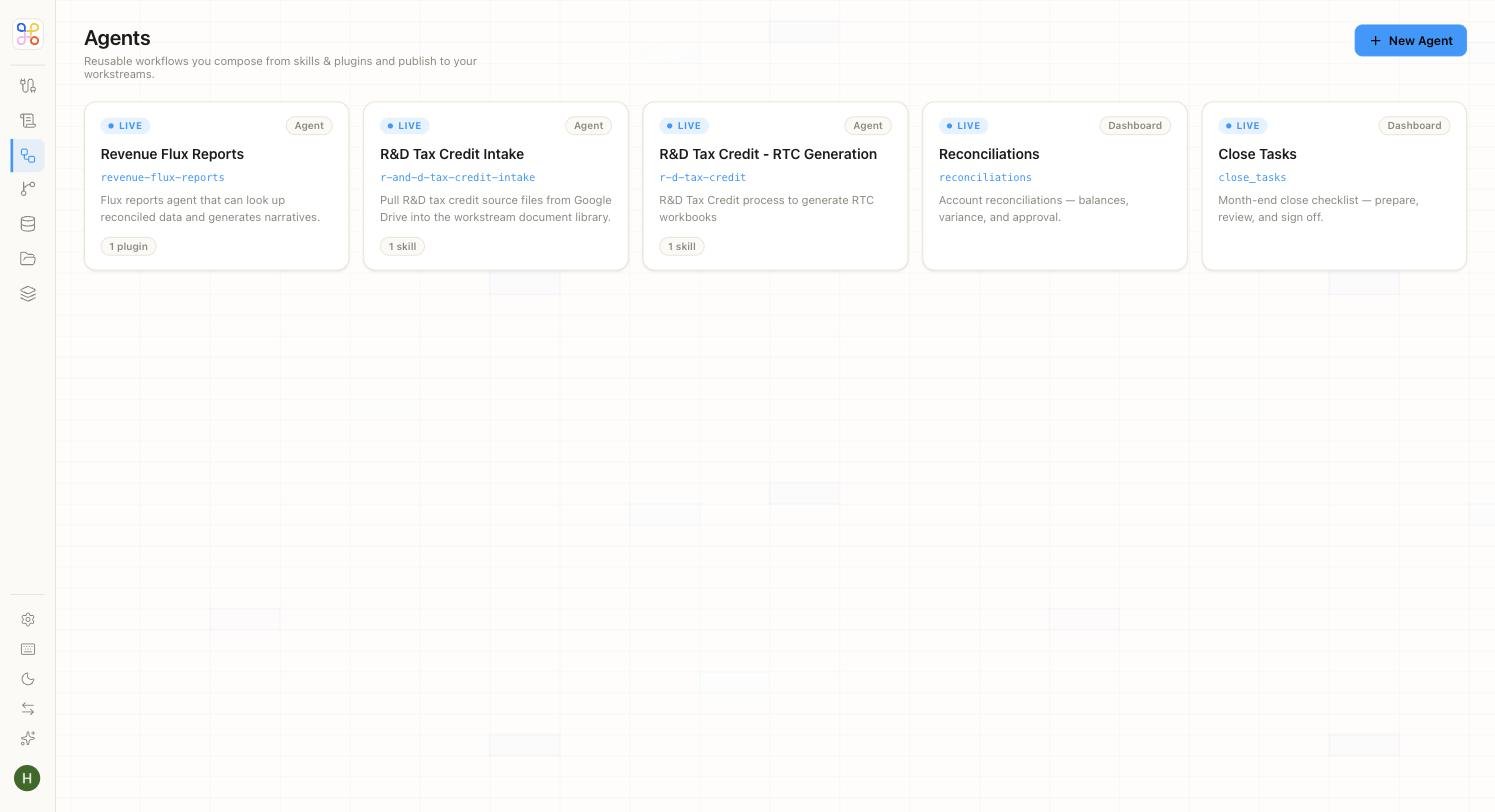
You turn a finance need — *"prepare R\&D workpapers for each client from their payroll and project files"* — into a configured agent that does it reliably and safely. That means four decisions:
* **Where the data comes from** — which source, synced into which Doc Store, plus any structured tables.
* **What the agent does** — its instructions and the skills it's allowed to use.
* **Who can see what** — which people access the client, and what the agent is allowed to read.
* **When it runs** — the schedule, and who reviews the output.
## The pipeline you're assembling
```text theme={null}
Source ──connector+sync──▶ Doc Store ─┐
├──▶ Agent (instructions + skills) ──▶ Output ──▶ HITL review
Data Store table ──────────────────┘
(all scoped to the Workstream / client)
```
## Principles worth internalizing
* **Isolation lives on the Workstream (client).** Don't try to enforce separation anywhere else; scope data and access to the client and it's guaranteed.
* **Skills declare capability, not access.** Enabling a skill lets the agent use it; it doesn't widen what data the agent can see. Access is separate.
* **The review gate is always on.** You configure reviewers, not whether review happens.
* **Templates carry complexity.** For a common process, a task template already encodes good instructions and skills — start there and adjust.
## Next steps
1. [Quick setup vs Advanced setup](/builder-guide/quick-vs-advanced-setup)
2. [The object model](/core-concepts/the-object-model)
3. [Create a Workstream](/builder-guide/create-a-workstream)
## Your job as a builder
You turn a finance need — *"prepare R\&D workpapers for each client from their payroll and project files"* — into a configured agent that does it reliably and safely. That means four decisions:
* **Where the data comes from** — which source, synced into which Doc Store, plus any structured tables.
* **What the agent does** — its instructions and the skills it's allowed to use.
* **Who can see what** — which people access the client, and what the agent is allowed to read.
* **When it runs** — the schedule, and who reviews the output.
## The pipeline you're assembling
```text theme={null}
Source ──connector+sync──▶ Doc Store ─┐
├──▶ Agent (instructions + skills) ──▶ Output ──▶ HITL review
Data Store table ──────────────────┘
(all scoped to the Workstream / client)
```
## Principles worth internalizing
* **Isolation lives on the Workstream (client).** Don't try to enforce separation anywhere else; scope data and access to the client and it's guaranteed.
* **Skills declare capability, not access.** Enabling a skill lets the agent use it; it doesn't widen what data the agent can see. Access is separate.
* **The review gate is always on.** You configure reviewers, not whether review happens.
* **Templates carry complexity.** For a common process, a task template already encodes good instructions and skills — start there and adjust.
## Next steps
1. [Quick setup vs Advanced setup](/builder-guide/quick-vs-advanced-setup)
2. [The object model](/core-concepts/the-object-model)
3. [Create a Workstream](/builder-guide/create-a-workstream)