> ## Documentation Index
> Fetch the complete documentation index at: https://docs.adopt.ai/llms.txt
> Use this file to discover all available pages before exploring further.
# Setting Doc Store access
> Grant which workstreams and agents can reach a Doc Store — the explicit access matrix behind what an agent is allowed to read.
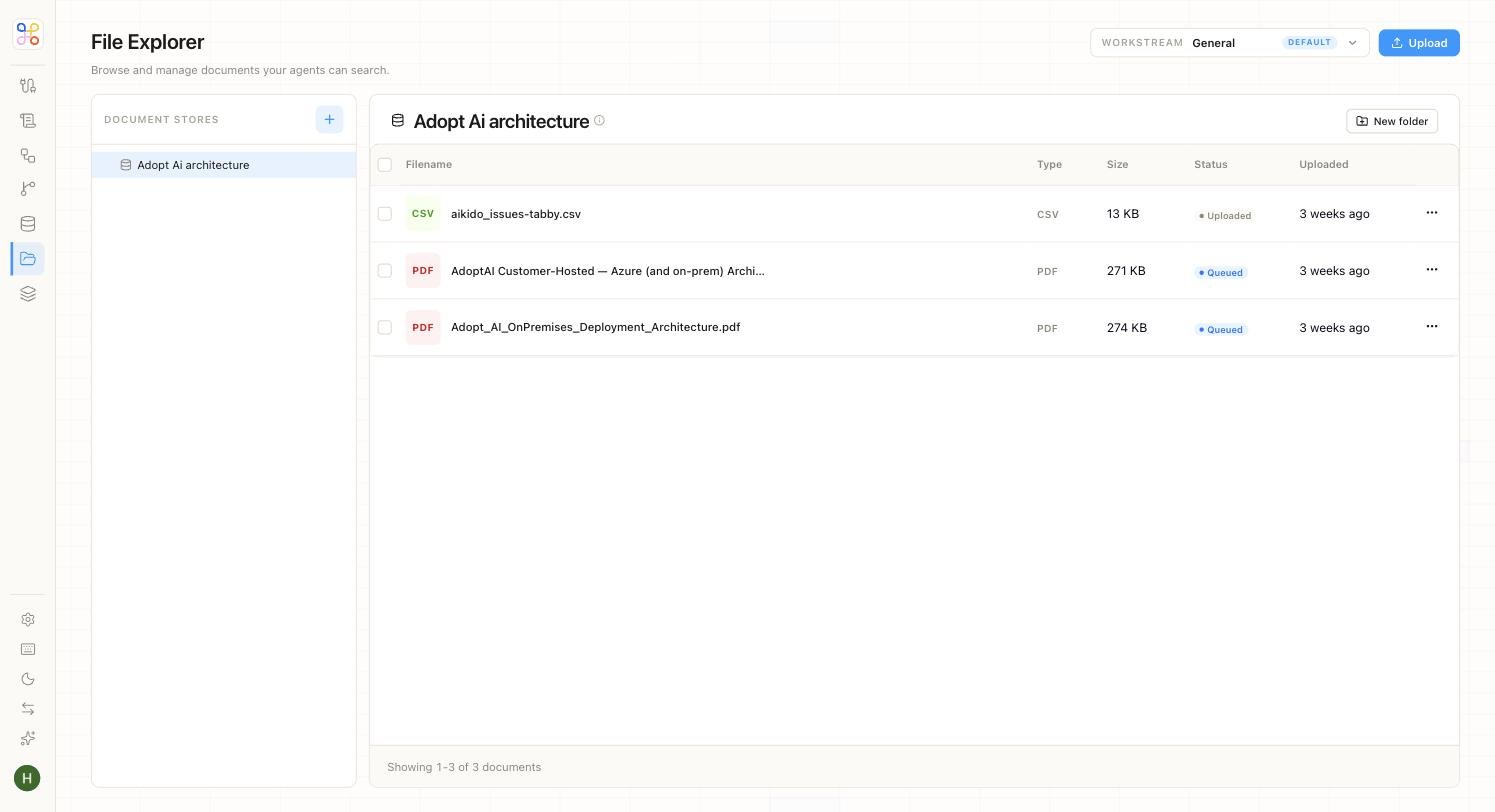
Connecting files and creating an agent are separate from granting the agent permission to *read* those files. This step ties them together.
 ## The two axes
Doc Store access is granted along the same two axes as everything else:
* **Which workstreams** can reach this Doc Store (usually just the client it belongs to).
* **Which agents** can read it (the agent that needs it, not every agent).
## Grant access
1. Open the Doc Store's access settings (the "Set Doc Store access" step in Advanced setup).
2. Confirm the **workstream** — normally the client that owns the files.
3. Grant the **agent(s)** that should read it (e.g. the R\&D agent gets read access; unrelated agents don't).
4. Save.
**Least access.** Grant the narrowest access that lets the work happen — an agent should read only the Doc Stores it actually needs. This keeps the isolation guarantee meaningful and limits what any single agent can touch.
## Quick vs Advanced
On the Quick path this is handled for you — the template's agent gets read access to the client's files, nothing more. On Advanced, you set the matrix explicitly, which is what you want when a client has several agents that should see different things.
## Next steps
1. [Doc Stores and Data Stores](/core-concepts/doc-stores-and-data-stores)
2. [Access scoping](/security-access/access-scoping)
3. [Inviting members and setting access](/builder-guide/inviting-members-and-access)
## The two axes
Doc Store access is granted along the same two axes as everything else:
* **Which workstreams** can reach this Doc Store (usually just the client it belongs to).
* **Which agents** can read it (the agent that needs it, not every agent).
## Grant access
1. Open the Doc Store's access settings (the "Set Doc Store access" step in Advanced setup).
2. Confirm the **workstream** — normally the client that owns the files.
3. Grant the **agent(s)** that should read it (e.g. the R\&D agent gets read access; unrelated agents don't).
4. Save.
**Least access.** Grant the narrowest access that lets the work happen — an agent should read only the Doc Stores it actually needs. This keeps the isolation guarantee meaningful and limits what any single agent can touch.
## Quick vs Advanced
On the Quick path this is handled for you — the template's agent gets read access to the client's files, nothing more. On Advanced, you set the matrix explicitly, which is what you want when a client has several agents that should see different things.
## Next steps
1. [Doc Stores and Data Stores](/core-concepts/doc-stores-and-data-stores)
2. [Access scoping](/security-access/access-scoping)
3. [Inviting members and setting access](/builder-guide/inviting-members-and-access)