> ## Documentation Index
> Fetch the complete documentation index at: https://docs.adopt.ai/llms.txt
> Use this file to discover all available pages before exploring further.
# Schedule and publish
> Set how often an agent runs and make it live for the people who use it.
Once an agent is configured and tested, you give it a cadence and publish it.
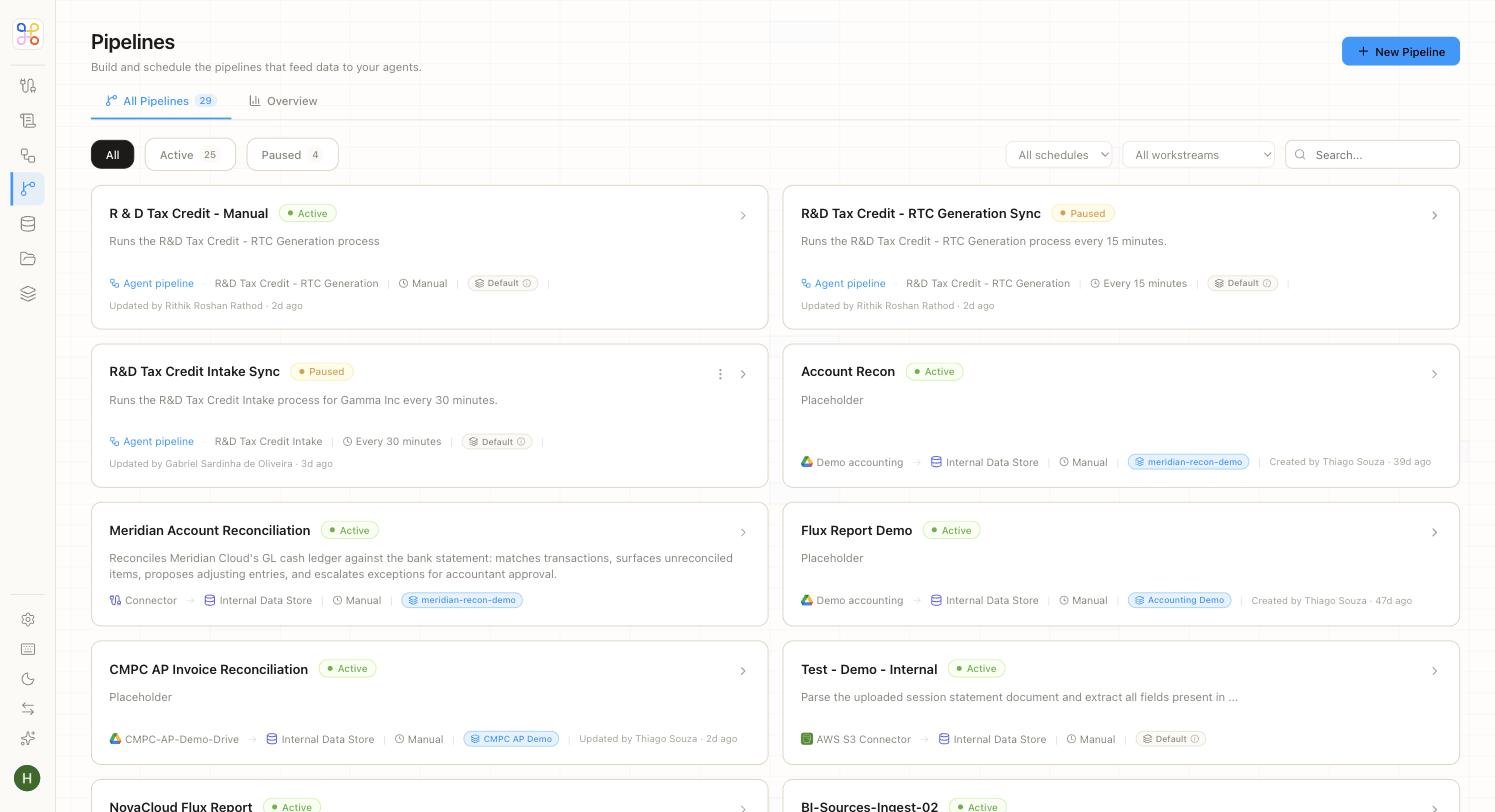 ## Choose a cadence
Cadence is set in plain terms — no cron expressions or pipeline wiring on the standard path:
* **Run once now** — a single run on demand.
* **Monthly** — good for recurring monthly deliverables.
* **Quarterly** — common for tax and review cycles.
* **At period close** — tie the run to the accounting period close.
Choose the rhythm the underlying work actually follows.
## Publish (go live)
Publishing makes the agent live: it runs on the schedule you set, prepares its work, and routes the output to the review queue for approval.
Publishing is safe — nothing an agent produces is shared before a reviewer approves it. Publishing starts *preparation*, not *delivery*.
## Changing the schedule later
You can change cadence after publishing. If a client's needs shift (say, from quarterly to at-close), update the schedule; existing history is preserved.
## Advanced scheduling
On the Advanced path, scheduling is decoupled from the pipeline, so you get finer control over triggers if you need it. Most teams don't — the plain cadence options cover the common cases.
## Next steps
1. [Testing an agent](/builder-guide/testing-an-agent)
2. [Human-in-the-loop review](/core-concepts/human-in-the-loop)
3. [Notifications](/end-user-guide/notifications)
## Choose a cadence
Cadence is set in plain terms — no cron expressions or pipeline wiring on the standard path:
* **Run once now** — a single run on demand.
* **Monthly** — good for recurring monthly deliverables.
* **Quarterly** — common for tax and review cycles.
* **At period close** — tie the run to the accounting period close.
Choose the rhythm the underlying work actually follows.
## Publish (go live)
Publishing makes the agent live: it runs on the schedule you set, prepares its work, and routes the output to the review queue for approval.
Publishing is safe — nothing an agent produces is shared before a reviewer approves it. Publishing starts *preparation*, not *delivery*.
## Changing the schedule later
You can change cadence after publishing. If a client's needs shift (say, from quarterly to at-close), update the schedule; existing history is preserved.
## Advanced scheduling
On the Advanced path, scheduling is decoupled from the pipeline, so you get finer control over triggers if you need it. Most teams don't — the plain cadence options cover the common cases.
## Next steps
1. [Testing an agent](/builder-guide/testing-an-agent)
2. [Human-in-the-loop review](/core-concepts/human-in-the-loop)
3. [Notifications](/end-user-guide/notifications)