> ## Documentation Index
> Fetch the complete documentation index at: https://docs.adopt.ai/llms.txt
> Use this file to discover all available pages before exploring further.
# Running a task
> How to start a piece of work on a client, whether it runs on demand or on a schedule.
Most work in Adopt starts on its own — but you can also kick off a task yourself when you need something now. Here's both, and what to expect while it runs.
## Two ways work gets started
* **On a schedule** — most agents are set to run automatically (monthly, quarterly, or at period close). You don't start these; they arrive in your review queue when they finish.
* **On demand** — you run a task yourself when you need it now (a client asks for something ahead of the cycle, or you've just added new files).
## Running a task on demand
Open the client (workstream) you're working on. You'll only see the clients you've been given access to.
Pick the task you want to run — for example *R\&D Tax Credit* or *Reconciliations*. If several exist for the client, choose the right one.
Confirm the files it will use are in place. If something's missing, add it (see [Working with clients and files](/end-user-guide/clients-and-files)) — otherwise the run uses whatever's there now.
Start it. You don't have to wait on the screen — the run continues in the background.
## What happens during a run
The agent reads the client's files, does the preparation the task describes, and produces output — anywhere from under a minute to several minutes depending on the work. You can watch it progress: each step (pulling data, running the analysis, drilling into details) updates in the run's **Workflow** panel, so you can see exactly where it is and whether it's paused for a decision.
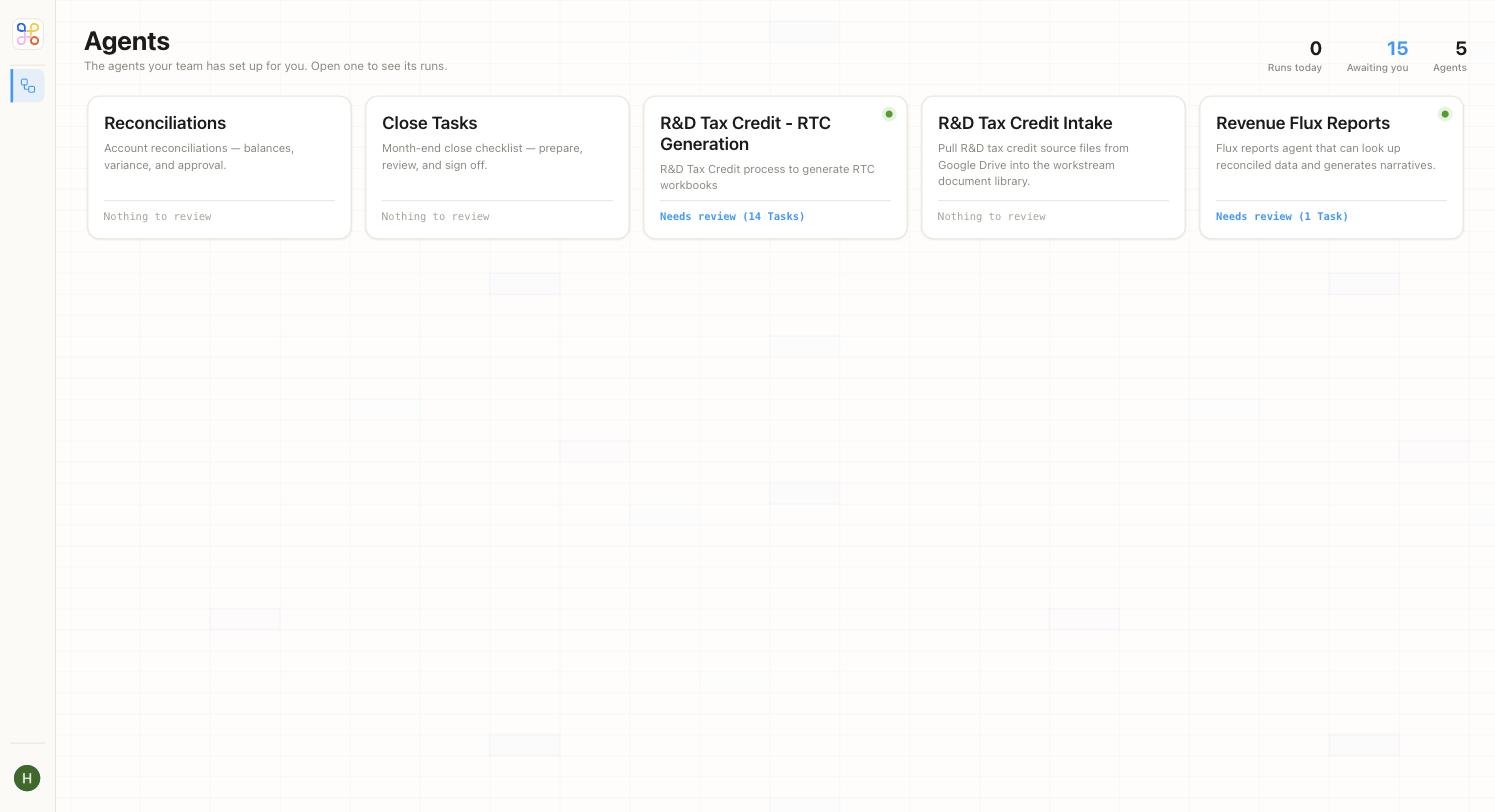 Some agents pause **mid-run** at a human-in-the-loop gate — if the agent hits something it can't resolve on its own, it stops and asks. That's expected; see [Reviewing and approving work](/end-user-guide/reviewing-and-approving).
## After the run
Everything an agent prepares waits for your review — it is never final on its own. When the run finishes (or hits a gate), it lands in your review queue and you're notified, if [notifications](/end-user-guide/notifications) are on.
Occasionally a run stops with an error — a missing file, a source that didn't sync. You'll see it flagged; see [When a run fails](/troubleshooting/when-a-run-fails).
## Next steps
1. [Reviewing and approving work](/end-user-guide/reviewing-and-approving)
2. [Working with clients and files](/end-user-guide/clients-and-files)
3. [Notifications](/end-user-guide/notifications)
Some agents pause **mid-run** at a human-in-the-loop gate — if the agent hits something it can't resolve on its own, it stops and asks. That's expected; see [Reviewing and approving work](/end-user-guide/reviewing-and-approving).
## After the run
Everything an agent prepares waits for your review — it is never final on its own. When the run finishes (or hits a gate), it lands in your review queue and you're notified, if [notifications](/end-user-guide/notifications) are on.
Occasionally a run stops with an error — a missing file, a source that didn't sync. You'll see it flagged; see [When a run fails](/troubleshooting/when-a-run-fails).
## Next steps
1. [Reviewing and approving work](/end-user-guide/reviewing-and-approving)
2. [Working with clients and files](/end-user-guide/clients-and-files)
3. [Notifications](/end-user-guide/notifications)