> ## Documentation Index
> Fetch the complete documentation index at: https://docs.adopt.ai/llms.txt
> Use this file to discover all available pages before exploring further.
# Your dashboard
> Where to see what's waiting on you, what's running, and what's already done.
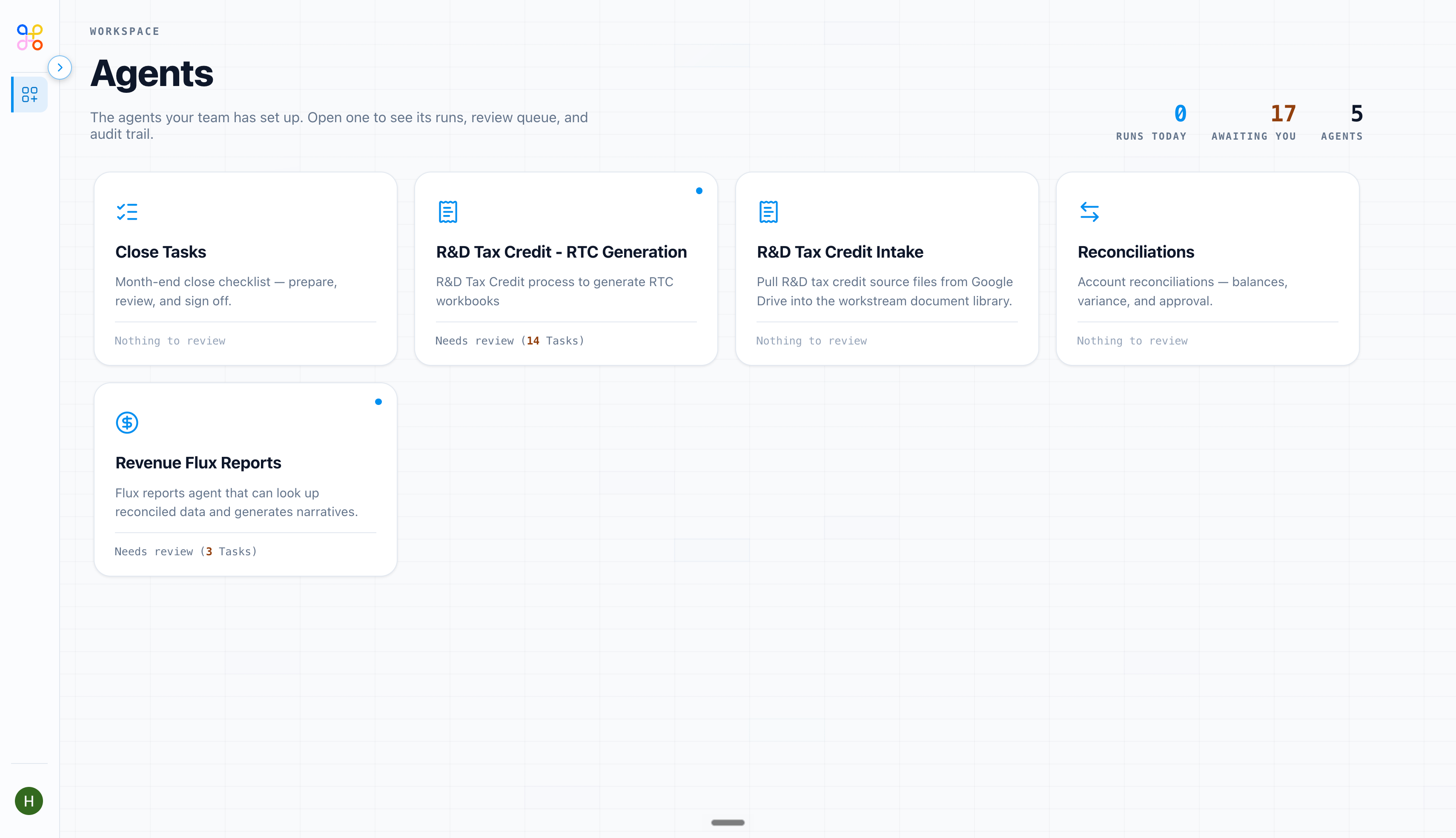
Your dashboard is the at-a-glance view of your work in Adopt — the first screen to open each day.
 ## What it shows
* **Pending review** — items waiting on your approval. This is usually where you start your day.
* **Recent runs** — what's run lately, and whether each succeeded or failed.
* **Your usage** — a summary of your own activity.
## Using it well
* Treat **pending review** as your to-do list. Clearing it is the point.
* If **recent runs** shows failures, open one to see why — it's often a missing or unsynced file. See [When a run fails](/troubleshooting/when-a-run-fails).
* Admins get a broader dashboard across the whole org, including everyone's pending queue — see [Usage and reporting](/admin/usage-and-reporting).
## Next steps
1. [Reviewing and approving work](/end-user-guide/reviewing-and-approving)
2. [When a run fails](/troubleshooting/when-a-run-fails)
## What it shows
* **Pending review** — items waiting on your approval. This is usually where you start your day.
* **Recent runs** — what's run lately, and whether each succeeded or failed.
* **Your usage** — a summary of your own activity.
## Using it well
* Treat **pending review** as your to-do list. Clearing it is the point.
* If **recent runs** shows failures, open one to see why — it's often a missing or unsynced file. See [When a run fails](/troubleshooting/when-a-run-fails).
* Admins get a broader dashboard across the whole org, including everyone's pending queue — see [Usage and reporting](/admin/usage-and-reporting).
## Next steps
1. [Reviewing and approving work](/end-user-guide/reviewing-and-approving)
2. [When a run fails](/troubleshooting/when-a-run-fails)