> ## Documentation Index
> Fetch the complete documentation index at: https://docs.adopt.ai/llms.txt
> Use this file to discover all available pages before exploring further.
# Access scoping
> The two axes Adopt uses to decide who and what can reach a given piece of data — and how to reason about them.
Access in Adopt is decided along **two axes**, consistently, everywhere. Learn them once and you can reason about any permission question.
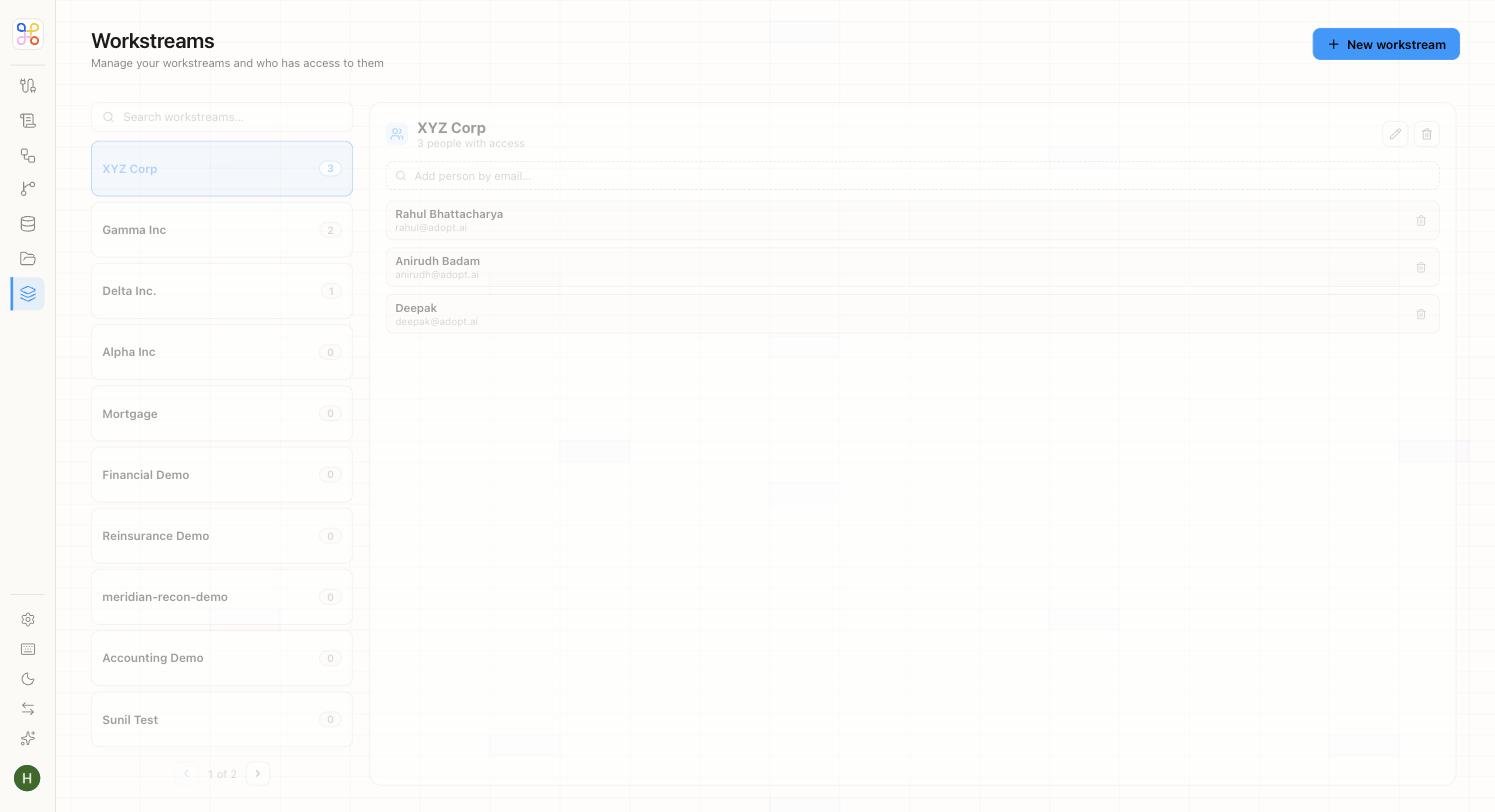 * **Workstream** — which client's boundary the data sits in, and therefore which people/agents scoped to that client can reach it.
* **Agent / Space** — which agents are allowed to read it.
Every store honors both.
## Doc Store scoping
A Doc Store belongs to a client (workstream) and is granted to specific agents. So "who can read these files" = people on that client **+** agents explicitly granted. See [Setting Doc Store access](/builder-guide/doc-store-access).
## Data Store scoping
A Data Store table picks a scope at creation:
* **Global** — every workstream and agent (reference data only).
* **Workstream-based** — row-level security; each client sees only its rows (the safe default).
* **Workstream + Agent** — per client, and only tagged agents.
See [Create a Data Store table](/builder-guide/create-a-data-store-table).
## Capability vs access (say it again)
A **skill grants capability, not access.** Enabling "Read documents" doesn't reveal any new data; it lets the agent read what it's *already* been granted. Widening access is always a deliberate scoping change, never a side effect of turning on a skill.
## Reasoning checklist
When you're unsure whether someone or something can reach data, ask in order:
1. **Are they scoped to the client?** If not, stop — they see nothing.
2. **Is the agent granted to the store?** If not, the agent can't read it.
3. **For a Data Store, does the table scope include this client (and agent)?**
If all three pass, access is allowed; otherwise it's denied.
## Next steps
1. [Isolation and multi-tenancy](/security-access/isolation-and-multi-tenancy)
2. [Setting Doc Store access](/builder-guide/doc-store-access)
3. [Create a Data Store table](/builder-guide/create-a-data-store-table)
* **Workstream** — which client's boundary the data sits in, and therefore which people/agents scoped to that client can reach it.
* **Agent / Space** — which agents are allowed to read it.
Every store honors both.
## Doc Store scoping
A Doc Store belongs to a client (workstream) and is granted to specific agents. So "who can read these files" = people on that client **+** agents explicitly granted. See [Setting Doc Store access](/builder-guide/doc-store-access).
## Data Store scoping
A Data Store table picks a scope at creation:
* **Global** — every workstream and agent (reference data only).
* **Workstream-based** — row-level security; each client sees only its rows (the safe default).
* **Workstream + Agent** — per client, and only tagged agents.
See [Create a Data Store table](/builder-guide/create-a-data-store-table).
## Capability vs access (say it again)
A **skill grants capability, not access.** Enabling "Read documents" doesn't reveal any new data; it lets the agent read what it's *already* been granted. Widening access is always a deliberate scoping change, never a side effect of turning on a skill.
## Reasoning checklist
When you're unsure whether someone or something can reach data, ask in order:
1. **Are they scoped to the client?** If not, stop — they see nothing.
2. **Is the agent granted to the store?** If not, the agent can't read it.
3. **For a Data Store, does the table scope include this client (and agent)?**
If all three pass, access is allowed; otherwise it's denied.
## Next steps
1. [Isolation and multi-tenancy](/security-access/isolation-and-multi-tenancy)
2. [Setting Doc Store access](/builder-guide/doc-store-access)
3. [Create a Data Store table](/builder-guide/create-a-data-store-table)