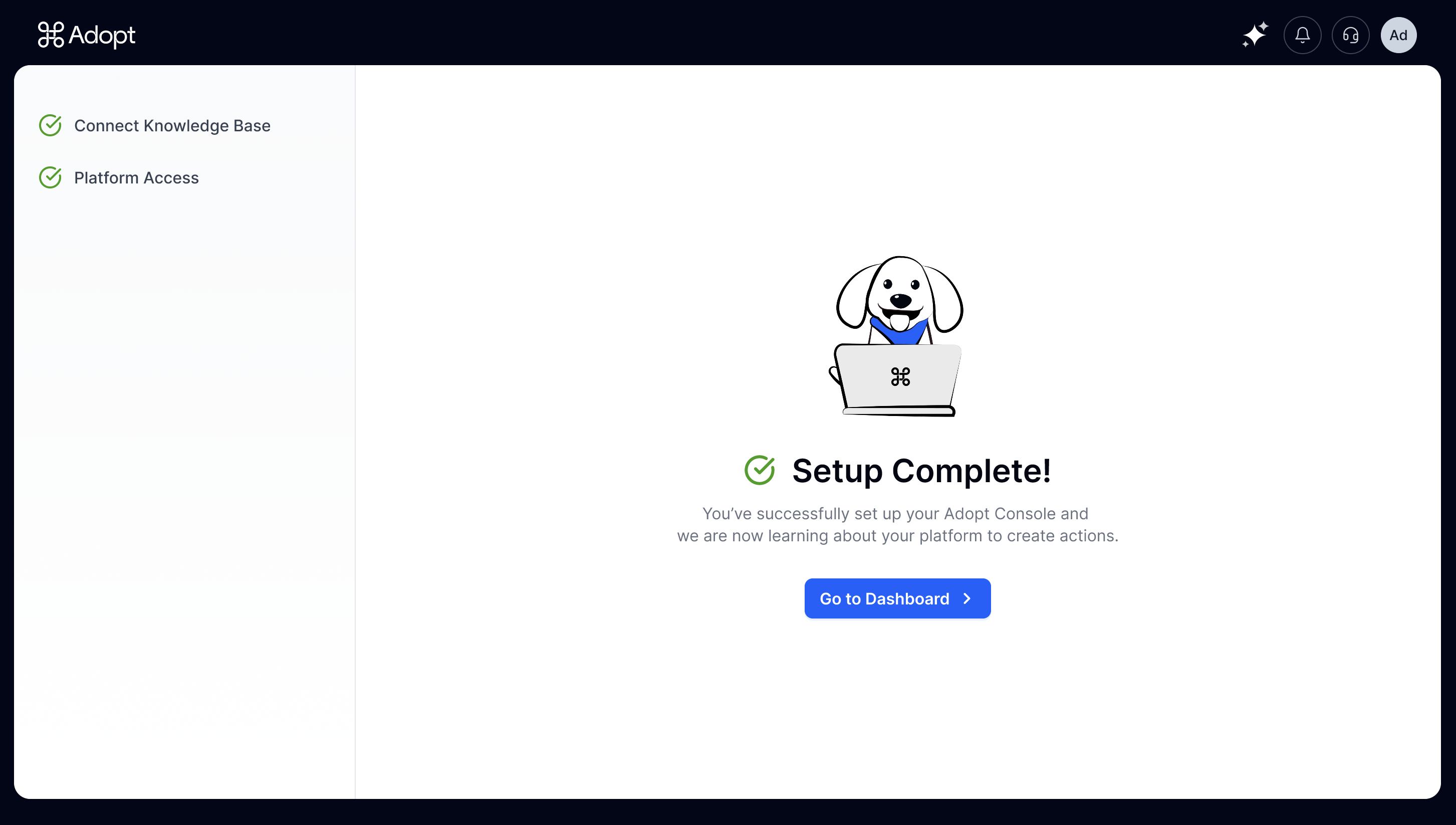
Step 1 : Connect Your Knowledge Base
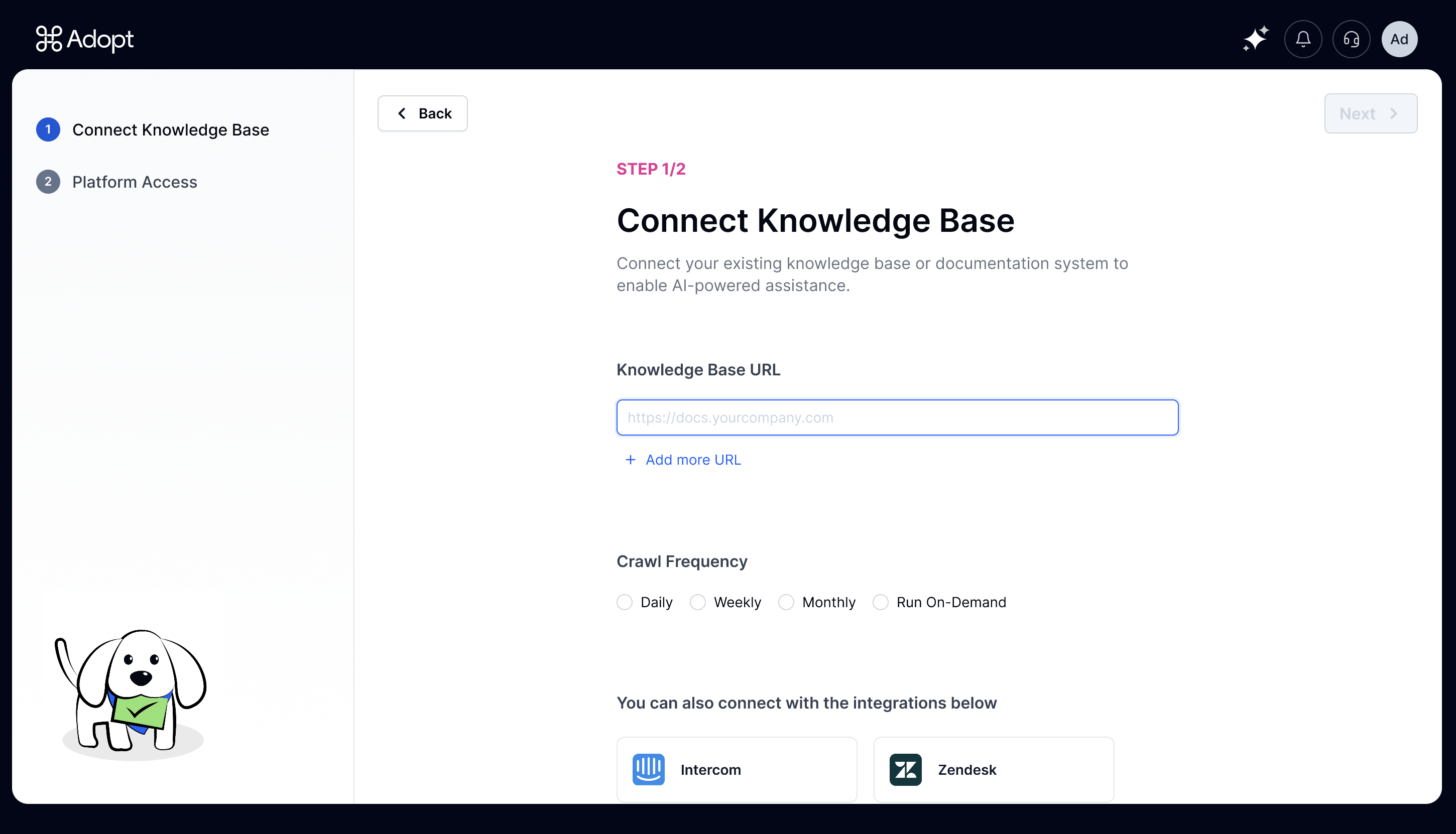 Share your company’s public knowledge base URL so Adopt can understand how your application is structured and what makes it tick.
Set your crawl frequency
Choose daily, weekly, or whatever schedule works for you. This keeps our AI up-to-date with any product changes that show up in your KB documents. Because nobody likes an agent that’s stuck in the past.Using third-party KB platforms?
No problem. Whether you’re team Intercom, Zendesk, or any other knowledge base platform, we integrate seamlessly. Just connect via your existing setup and we’ll handle the rest.Step 2: Share Demo Access
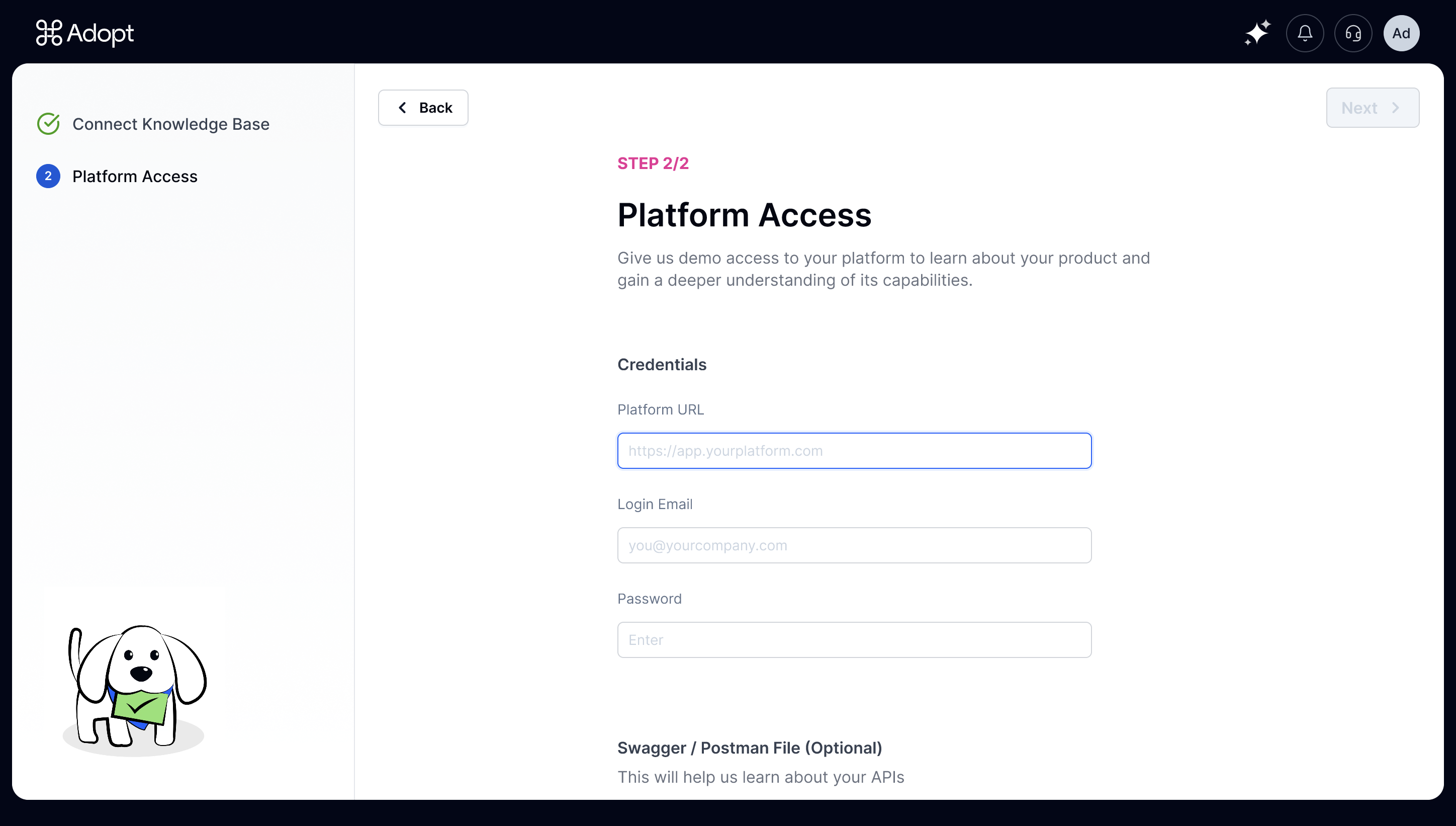 Provide login credentials to a test/demo account, and our AI agents will systematically explore your product to auto-capture your application’s tools—APIs, entities, the whole works.
Got Swagger or Postman files handy?
Feel free to upload them! They can speed things along, but they’re completely optional. Whether you have pristine API documentation or nothing at all, we’ll agentify your application either way.Know more about Automatic API Discovery →
Adopt’s API discovery process is powered by our proprietary system called ZAPI—short for Zero-Shot API Ingestion. ZAPI uses AI to intelligently explore your application like a real user would. It reads your help docs, navigates your app through common flows, and automatically captures every API call along the way. If you’re curious to learn more about how ZAPI powers API discovery, check out the full explainer here →The Live API Discovery Dashboard
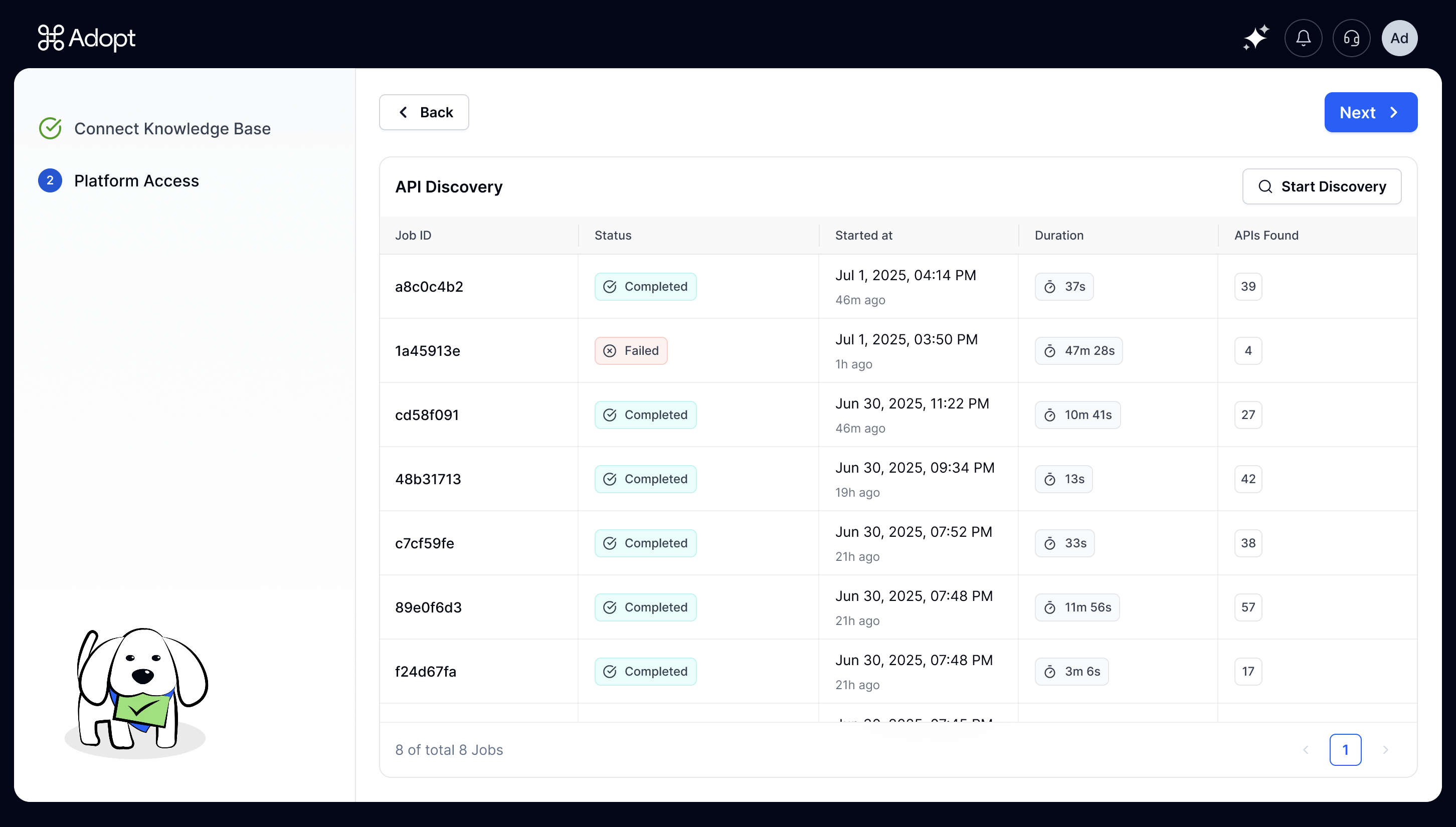 Once you share your demo credentials, you’ll get real-time visibility into the discovery process through our live dashboard. Watch as APIs get captured and ingested with a running counter showing exactly how many endpoints we’ve found. No waiting in the dark—you can see the progress happening live.
And That’s it. Two steps, minimal effort on your end, maximum transformation for your users.
Once you share your demo credentials, you’ll get real-time visibility into the discovery process through our live dashboard. Watch as APIs get captured and ingested with a running counter showing exactly how many endpoints we’ve found. No waiting in the dark—you can see the progress happening live.
And That’s it. Two steps, minimal effort on your end, maximum transformation for your users.