

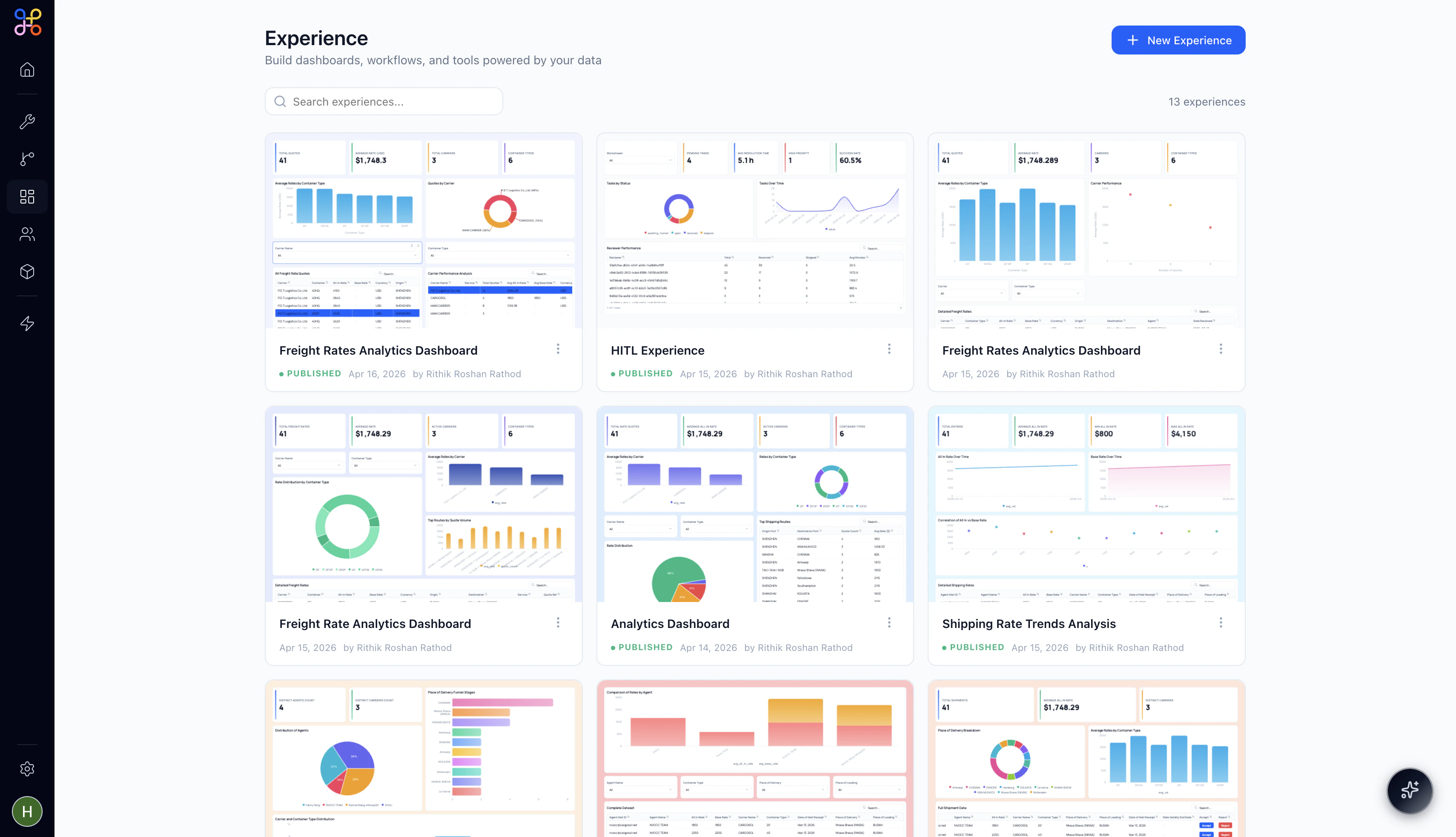
What is an Experience?
Experience is a data-driven UI surface that sits alongside your Agents as part of the platform’s Human-in-the-Loop layer. Where an Agent automates work, an Experience gives the humans in your workflow a clear, contextual view of what’s happening — and the tools to act on it. Think of it as a mini internal application built on top of your pipeline data. It could be a HITL review queue where analysts approve extracted documents, a freight rate analytics dashboard for your operations team, or a multi-step wizard that guides a user through a complex configuration flow. The same builder, any use case.Experiences sit under the FOUNDATION section of the Adopt nav — alongside Tools, Pipelines, and People & Workforce. They’re platform-level assets: built once, shared across your team, and referenced by Projects at deployment time.
How to Access Experiences
Click Experience in the left navigation bar. You’ll find it under the FOUNDATION section, marked by a grid icon.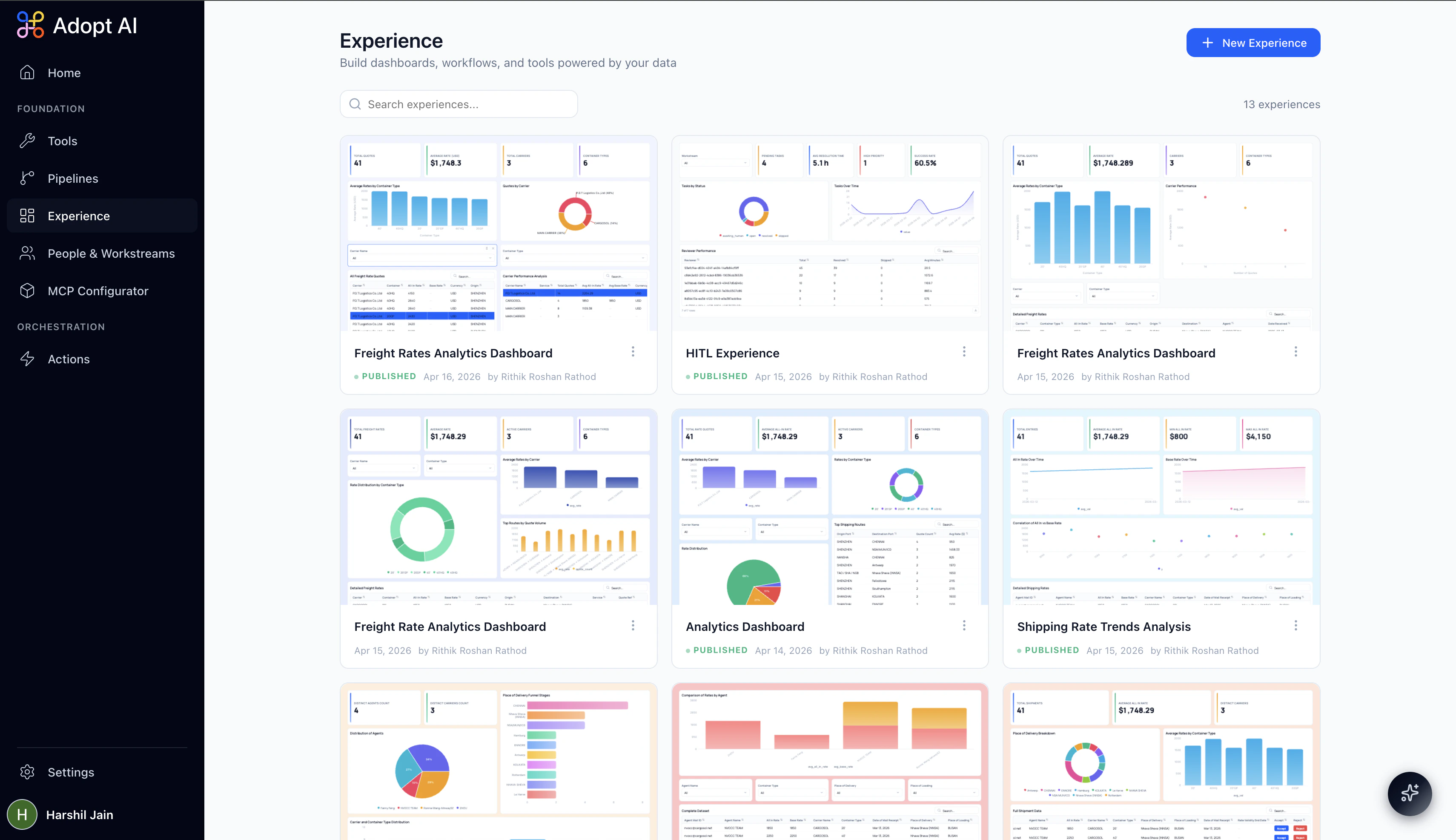
Creating a New Experience
When you’re ready to build, click+ New Experience in the top right corner. You’ll land directly in the Experience Builder with an empty canvas and an “Untitled Experience” ready to name.