

What Are Data Pipelines?
Data Pipelines are pre-computed data infrastructure that give agents and Human-in-the-Loop (HITL) experiences the context they need to operate effectively. Rather than fetching data on-demand during an agent run, Pipelines extract and transform data ahead of time — so it’s ready when your agents and dashboards need it.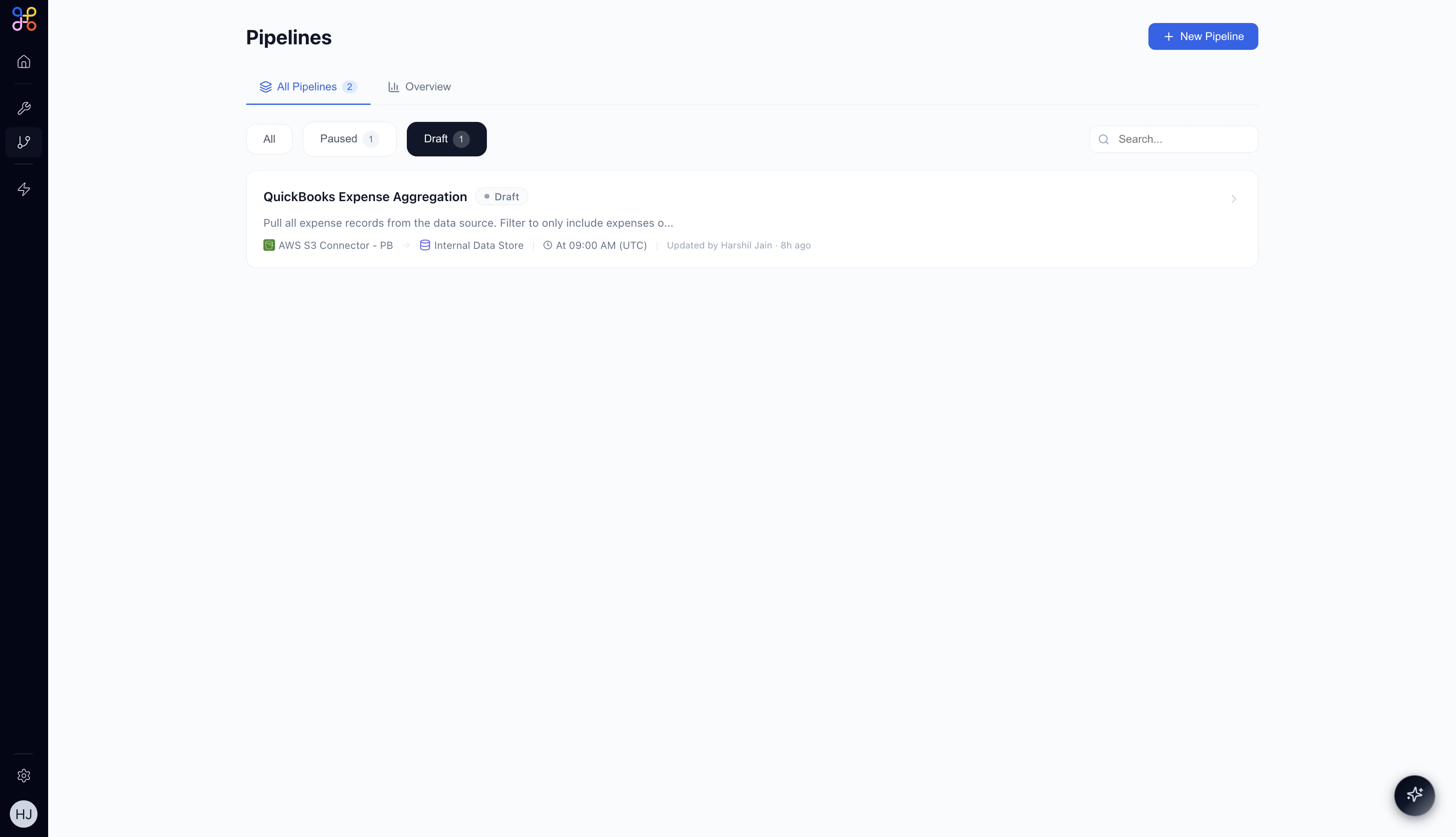
Key Characteristics
Extract & Transform. Pipelines pull data from external systems (via Connectors) and transform it into clean, structured formats your agents can reason over. Stateful Infrastructure. Unlike Tools, Pipelines run on a schedule and their outcomes persist between runs. The data is always available — agents don’t need to wait for a live API call. Platform-Level Logic, Project-Level Credentials. The extraction and transformation logic is defined once at the platform level. Each project brings its own connector credentials, so the same Pipeline can serve multiple customer environments. Named Outputs (Pipeline Outcomes). Each Pipeline produces one or more named output tables — for example,deals_over_10k or aggregated_expenses. These are the outputs that Agents and Experiences reference.
Pipelines vs. Tools
Pipelines and Tools may seem similar, but they serve different purposes in the Adopt AI architecture.Think of Tools as verbs (send email, create ticket, look up a record) and Pipelines as nouns (a pre-built dataset that describes your business reality). Agents use both — Tools to act, Pipelines to understand context.
Pipeline Outcomes
A Pipeline Outcome is a named output produced by a Pipeline run — a structured table of data stored in the Internal Data Store. Examples of outcomes:deals_over_10k— all open CRM deals above a threshold, refreshed hourlyaggregated_expenses— expenses grouped by category, updated dailycustomer_support_tickets— recent support tickets with status and priority
Where Pipelines Fit in the Platform
Pipelines sit in the Foundation layer of the Adopt AI platform, alongside Connectors and Tools.In Agent Workflows
When an Agent runs, it can have a Pipeline node in its canvas. The Pipeline node injects pre-processed data from a Pipeline Outcome directly into the agent’s execution context — no live API call required.In HITL Experiences
Experiences are dashboards where human reviewers inspect and approve agent work. Pipeline Outcomes can be bound to Experience components — tables, charts, and reports — so reviewers see up-to-date data without the agent needing to fetch it in real time.Pipeline Lifecycle
- Draft — Pipeline is created and workflow is AI-generated but not yet running.
- Active — Pipeline runs on its defined schedule; outcomes are continuously updated.
- Paused — Pipeline is temporarily stopped; the last outcome is preserved but not refreshed.
Next Steps
- When to Use Pipelines — scenarios and decision guidance
- Building Your First Pipeline — step-by-step creation guide
- Pipeline Features — scheduling, transformations, and monitoring