

Workstream = a client
A Workstream represents one client of your firm. It is the isolation boundary: every file, table, and result inside it is walled off from every other workstream. A person granted access to one workstream cannot see another’s data — this is the guarantee your own clients’ confidentiality depends on. In the end-user experience, a workstream is simply labeled Client.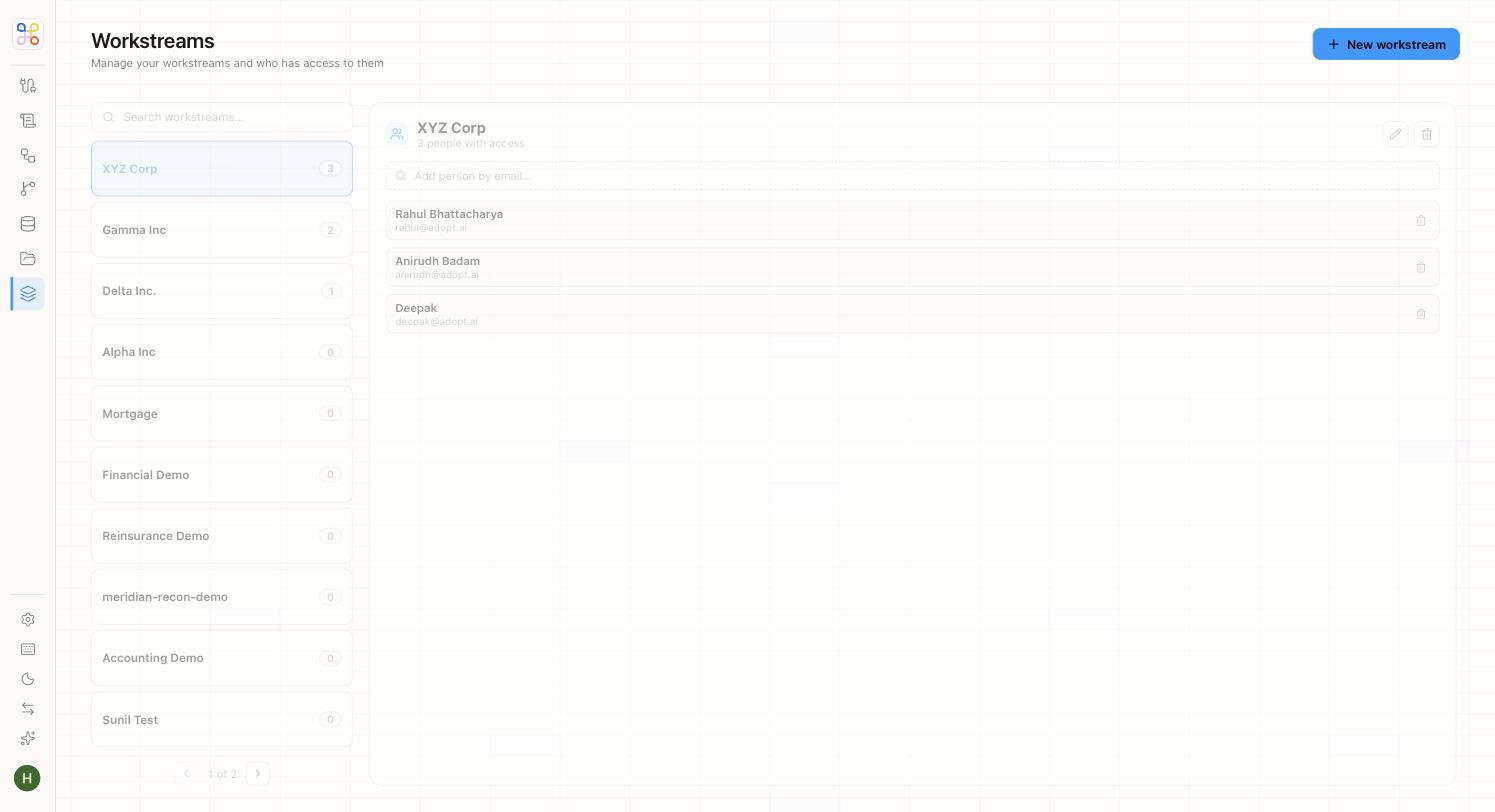
Typical setup is one workstream per client. A firm with 300 clients has 300 workstreams — in production you’d usually bulk-provision these via CSV or the API rather than by hand.
Engagement = a process for that client
An Engagement is one process run for a client — R&D Tax Credit, Transfer Pricing, Month-End Close. It lives inside a workstream and owns everything specific to that process:- the agent that does the work
- its own sub-folder of files
- its own review (HITL) queue and reviewers
- its own retention clock and run history
What’s inherited vs. owned
A clean way to remember the split: Inherited from the Workstream (the client):- data isolation and tenancy boundary
- who can access this client at all
- the client’s identity / record
- the overall audit umbrella across all its engagements
- which agent runs
- the file sub-tree and any Data Store namespace it uses
- the review queue and reviewer roles
- retention, evaluation baselines, and run history
A worked example
Your firm serves a client, “Acme.”- Workstream: Acme (isolation boundary)
- Engagement: R&D Tax Credit — its own agent, files, reviewers
- Runs: Q1 workpaper, Q2 workpaper, …
- Engagement: Transfer Pricing — a different agent, different files, different reviewers
- Runs: annual documentation, …
- Engagement: R&D Tax Credit — its own agent, files, reviewers