

Clients are kept separate
Each client in Adopt is completely isolated. If you have access to one client, you cannot see another client’s files or results — and they can’t see yours. This is how Adopt protects client confidentiality, and it’s not something you can accidentally switch off. You’ll only see the clients you’ve been granted access to. If you think you’re missing one, ask whoever administers Adopt for your firm to add you.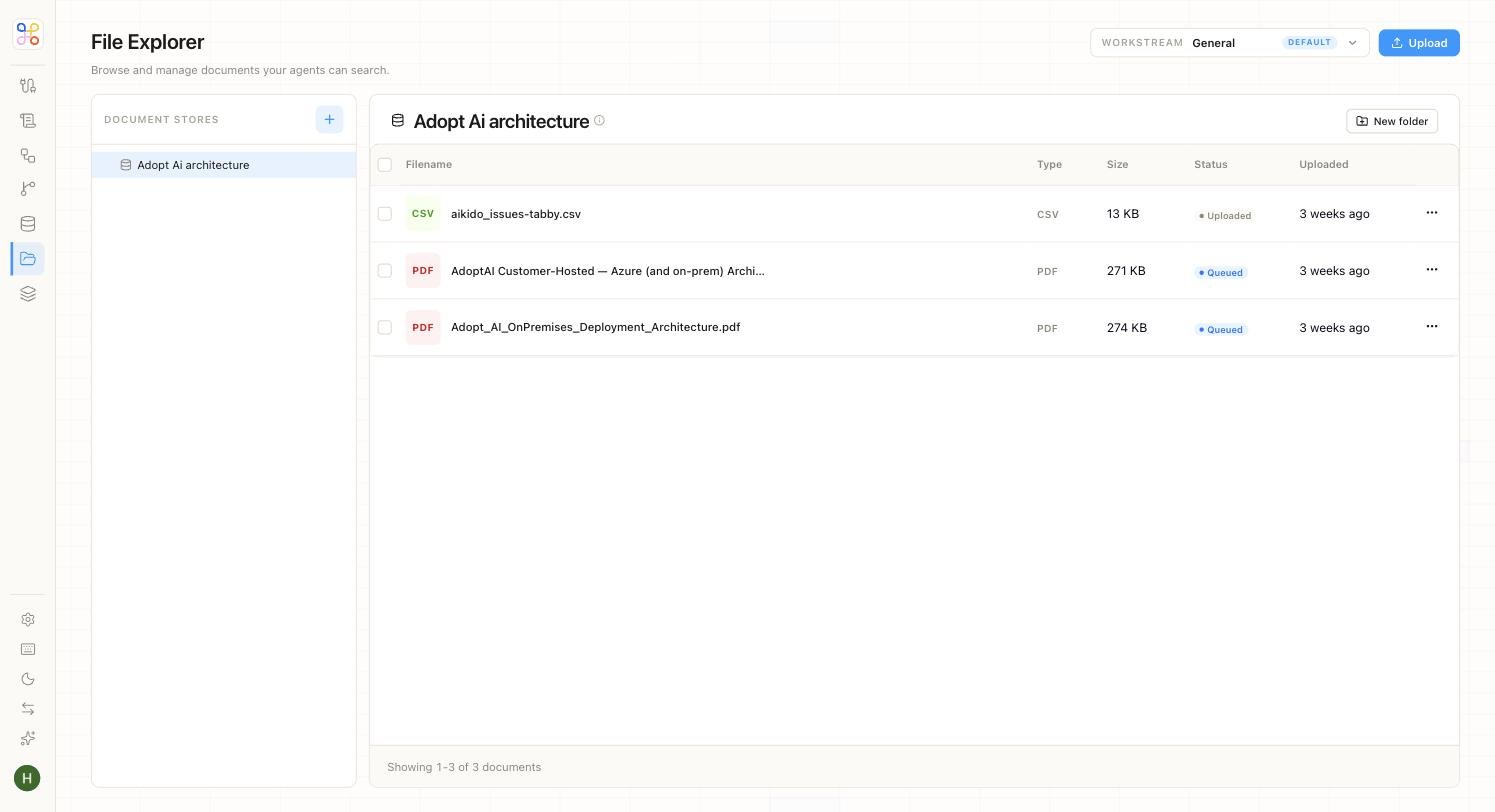
Adding files
Open the client and use Add files. You can:- Drag and drop documents directly (PDFs, spreadsheets, and so on), or
- Connect a source like Google Drive or SharePoint, so files sync in automatically.
Keeping files current
If an agent’s output looks like it used stale data, the fix is usually to refresh the files:- For uploaded files, add the newer version.
- For a connected source, files sync automatically — but a very recent change might not have synced yet. A builder or admin can trigger a fresh sync (see Sync settings and filters).