

The three pieces
- Connector — the link to a source system (Google Drive, SharePoint, File Upload, Amazon S3). Connecting establishes the credentials and picks what to pull.
- File Sync — the process that actually brings files across from the connected source. It can run once or on a schedule, and can include/exclude by pattern.
- Doc Store — where the synced files land, so agents can read them.
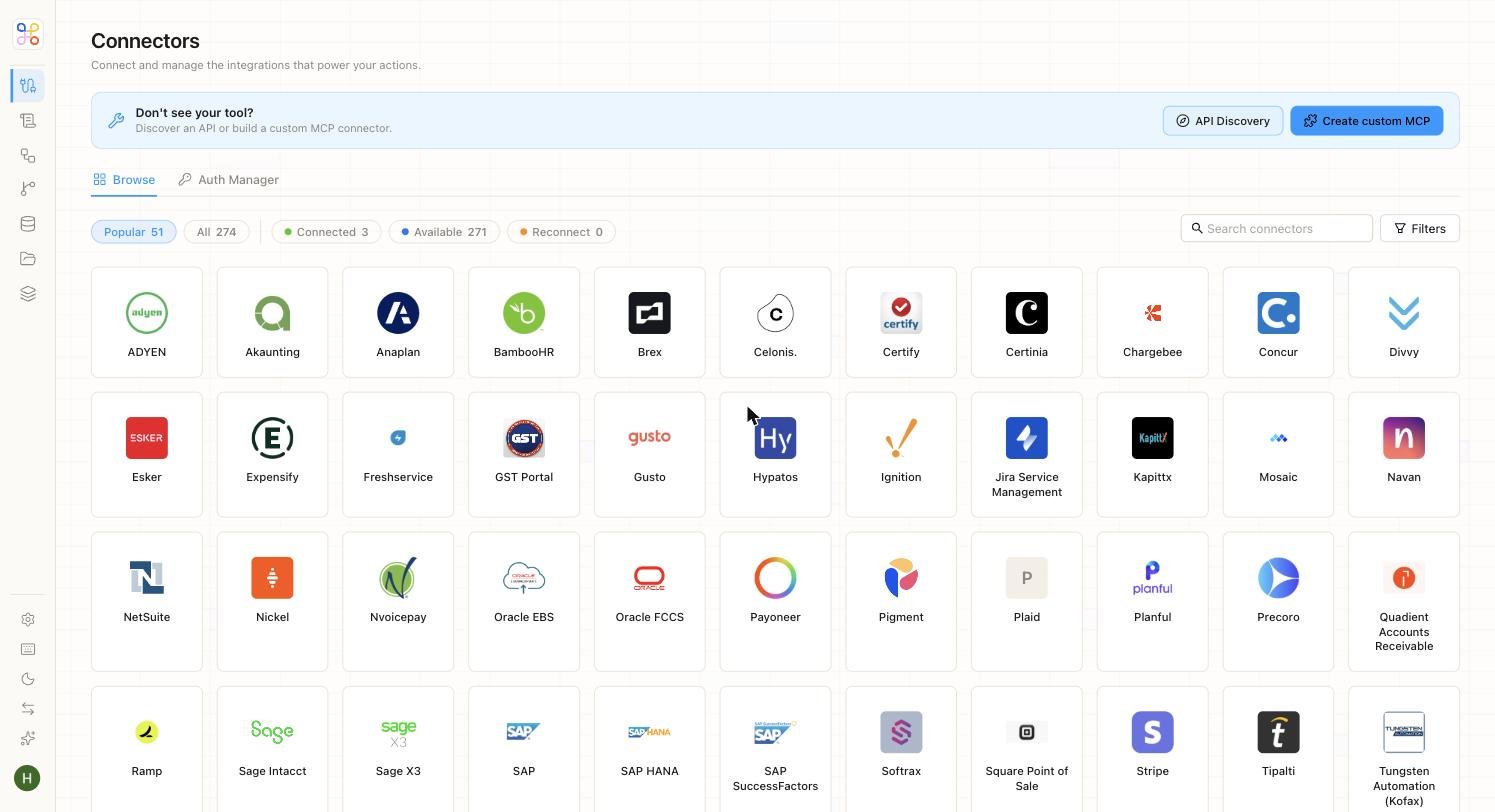
Supported connectors
Verify the exact current connector list against the Connectors page in the app — the set expands over time.
Sync behavior
- A sync can be one-time or scheduled.
- You can include or exclude files by pattern (for example, only
*.xlsx, or everything except a/draftsfolder). - Re-running a sync brings across new and changed files.
Where this lives in setup
- Quick setup: “Add files” collapses connector + sync + Doc Store into a single action. You upload or connect, and it just works.
- Advanced setup: these are separate, explicit steps so builders can control the connector, the sync window, and the Doc Store precisely.