

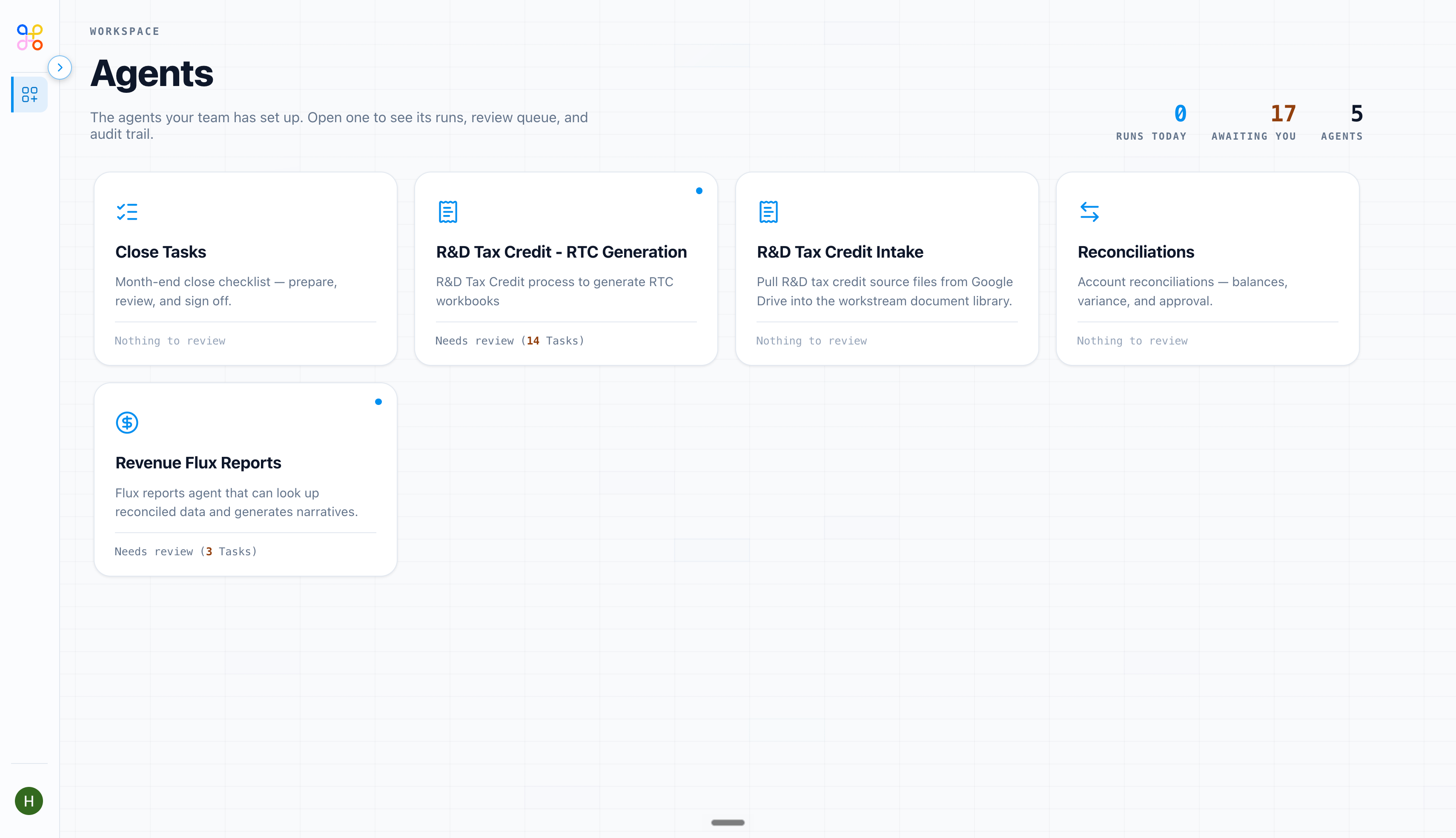
What it shows
- Pending review — items waiting on your approval. This is usually where you start your day.
- Recent runs — what’s run lately, and whether each succeeded or failed.
- Your usage — a summary of your own activity.
Using it well
- Treat pending review as your to-do list. Clearing it is the point.
- If recent runs shows failures, open one to see why — it’s often a missing or unsynced file. See When a run fails.
- Admins get a broader dashboard across the whole org, including everyone’s pending queue — see Usage and reporting.