

Access scoping comes first
No matter their role, a person only sees the clients (workstreams) they’ve been granted. A powerful role on a client they can’t access still shows them nothing. Access is granted per workstream — see Access scoping.Typical roles
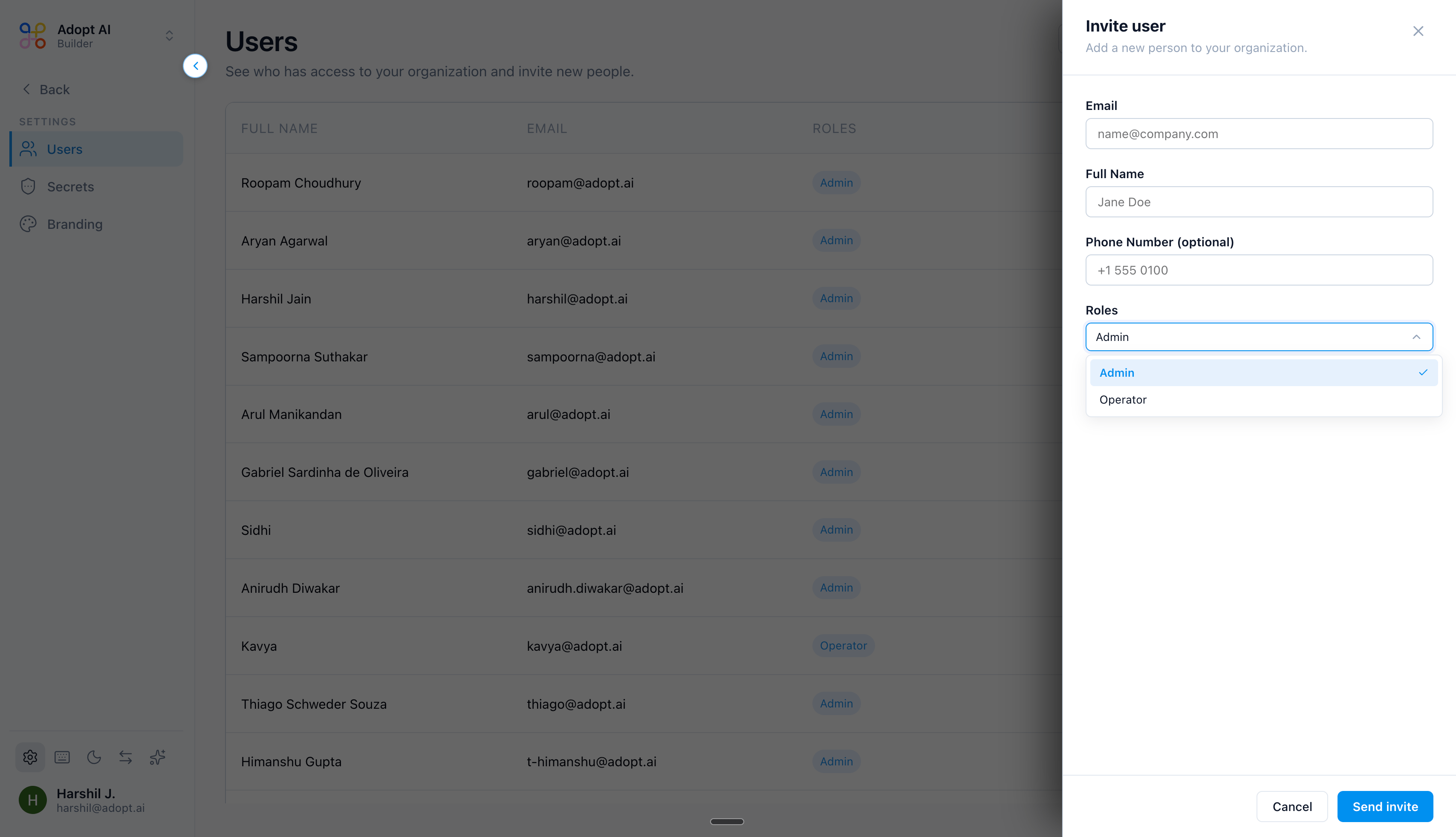
- Reviewer / End user — runs tasks and reviews/approves output for the clients they’re on. The core finance-professional role.
- Builder — sets up agents: connectors, data, instructions, skills, scheduling. Configures the clients they build for.
- Admin — manages members, roles, billing, and org-wide settings. Broadest reach.
- Specialized platform roles — some orgs have finer roles (for example, platform-admin or skill-publisher roles) for platform-level administration and publishing skills.
Confirm the exact role list and their precise capabilities in your org’s admin settings — roles can be extended per plan.