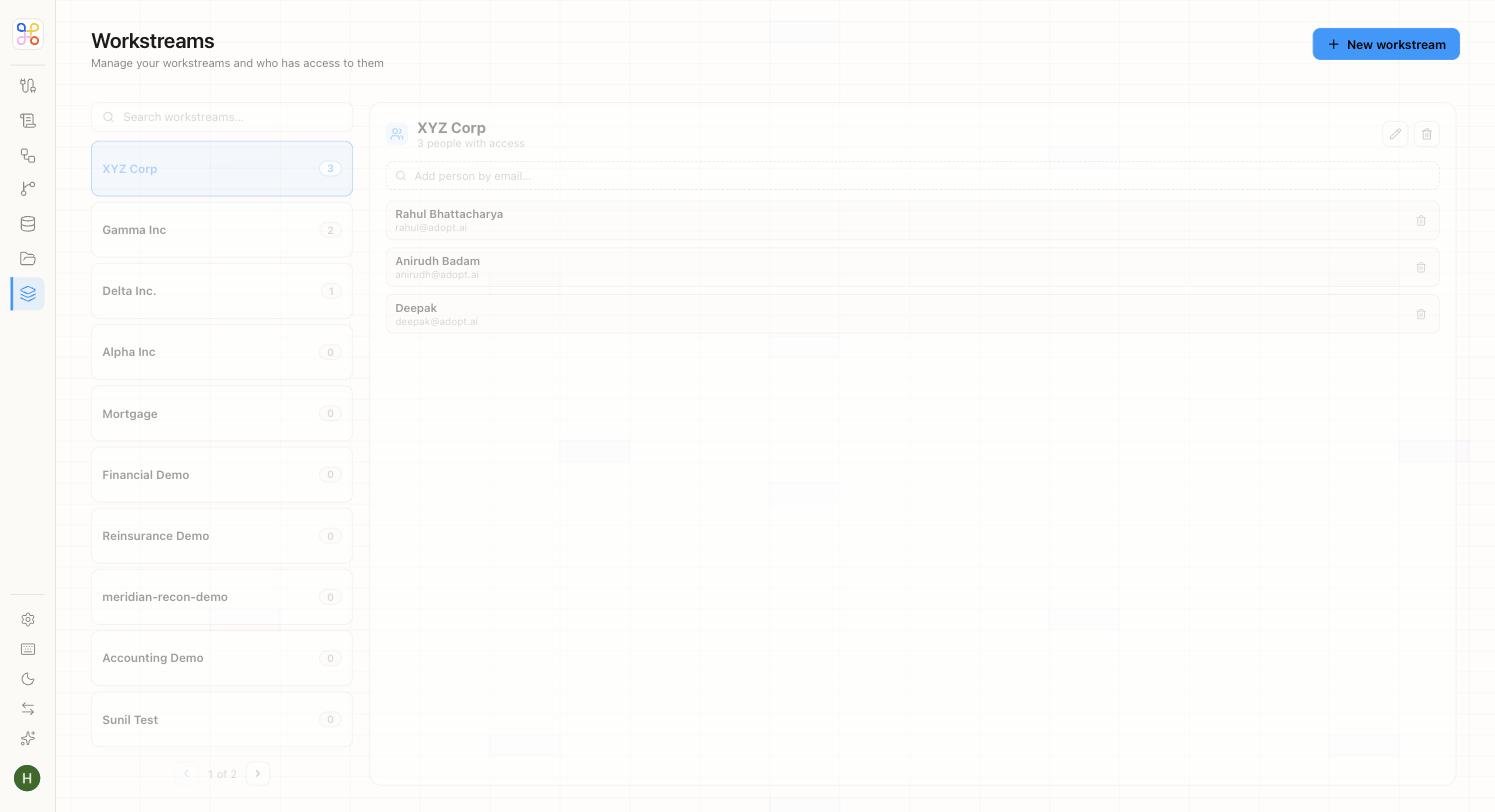
A Workstream is one client and the isolation boundary for their data. It’s the first thing you create — everything else hangs off it.
Create one
- Go to Workstreams and choose to add a new one.
- Give it a name — usually the client’s name (e.g. “Acme Manufacturing”).
- Save.
A member with access to this workstream can never see another workstream’s data — so the name and the boundary matter. Name it for the client it represents.
Provisioning many
You won’t hand-create hundreds of clients. In production, bulk-provision workstreams via CSV import or the API. Create one or two by hand to design the process, then bulk-load the rest.
Add an engagement (process)
A workstream on its own is just the client boundary. The work happens in an engagement — one per process. If the client needs both R&D Tax Credit and Transfer Pricing, that’s two engagements under the same workstream, each with its own agent, files, and reviewers. See Workstreams and Engagements.
Who can access it
Access is granted per workstream. Invite the people who should see this client (see Inviting members and setting access). Everyone else is excluded by default.
Next steps
- Workstreams and Engagements
- Isolation and multi-tenancy
- Connecting a data source