

Skills
A skill is a finance-oriented capability the agent uses as part of preparing work — reading documents, querying tables, generating a workpaper, filling a tax form. Skills are the primary way you shape what an agent does.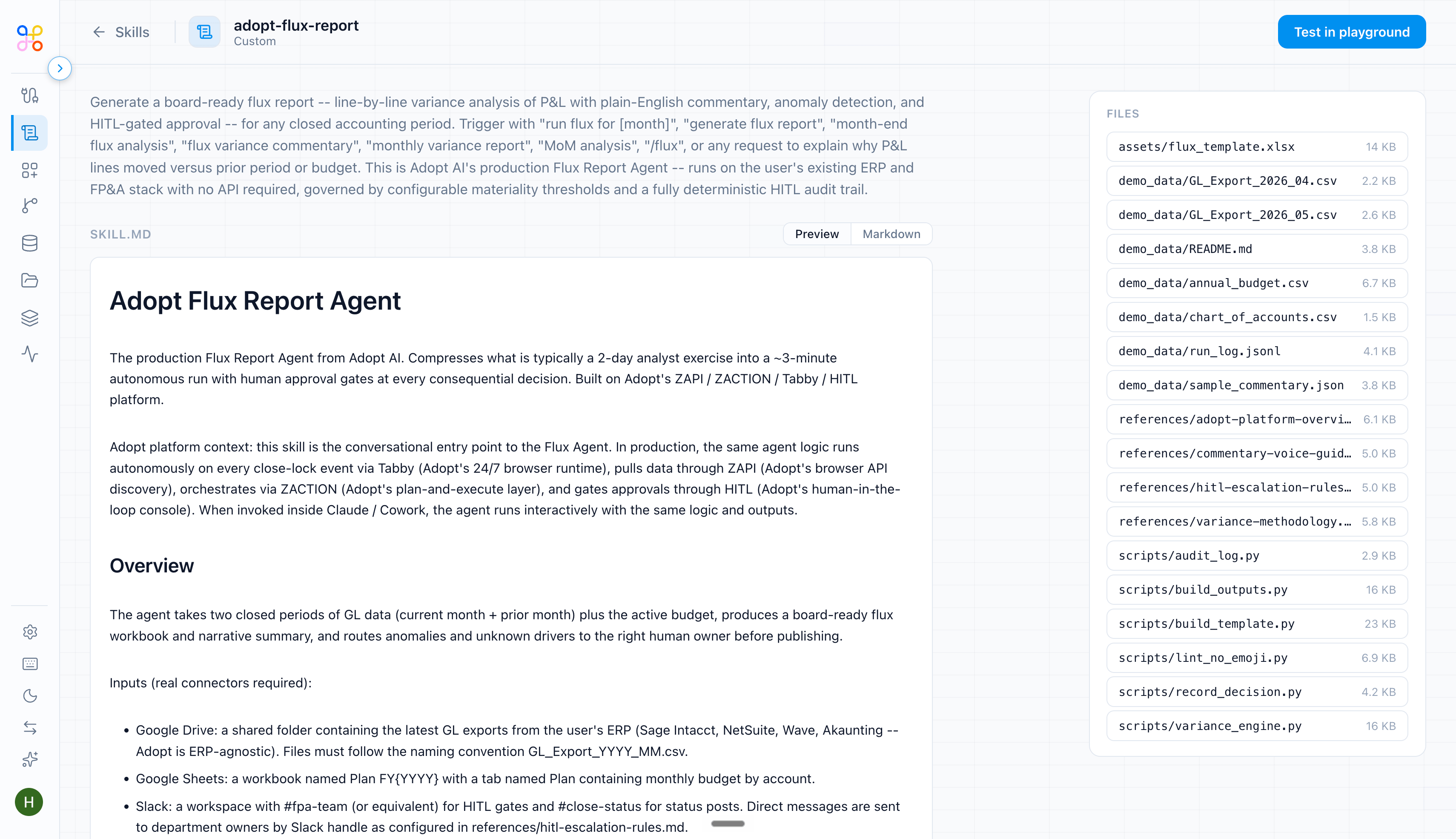
Plugins
A plugin extends the agent with an additional integration or tool beyond the built-in skills. Reach for a plugin when the work needs something the standard skill set doesn’t cover.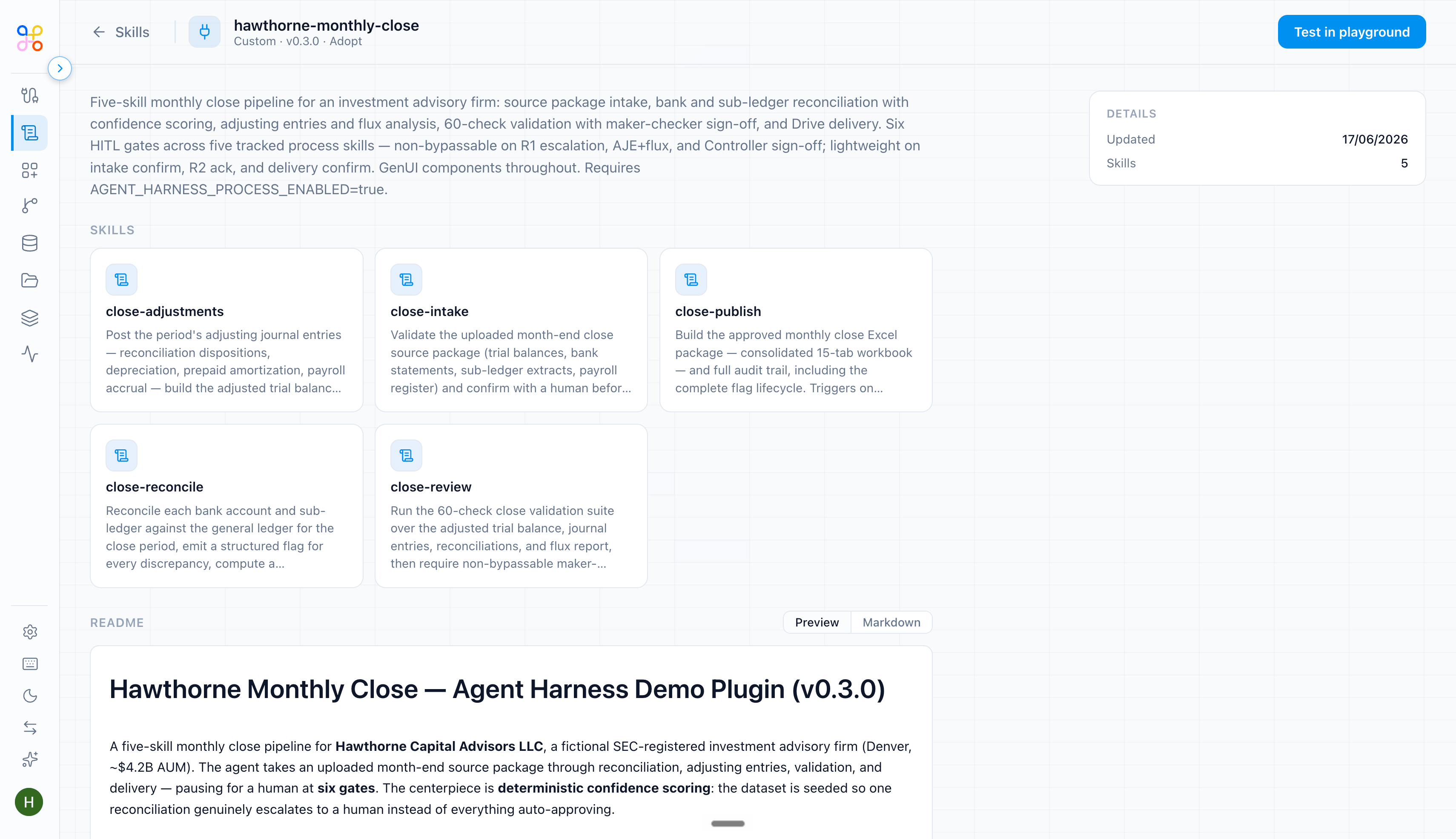
The exact catalog of skills and plugins available to your org (and which are
DEFAULT vs ORG) is shown in the app. Verify the current list against the Instructions & Skills step, and update this article as your org adds custom capabilities.Choosing
- Start with the skills the task template selected. For most standard finance processes, that’s enough.
- Add a plugin only when there’s a specific gap — an external system to reach, or a tool the built-in skills don’t provide.
- Whatever you enable, remember it grants capability, not access. See Instructions and skills.