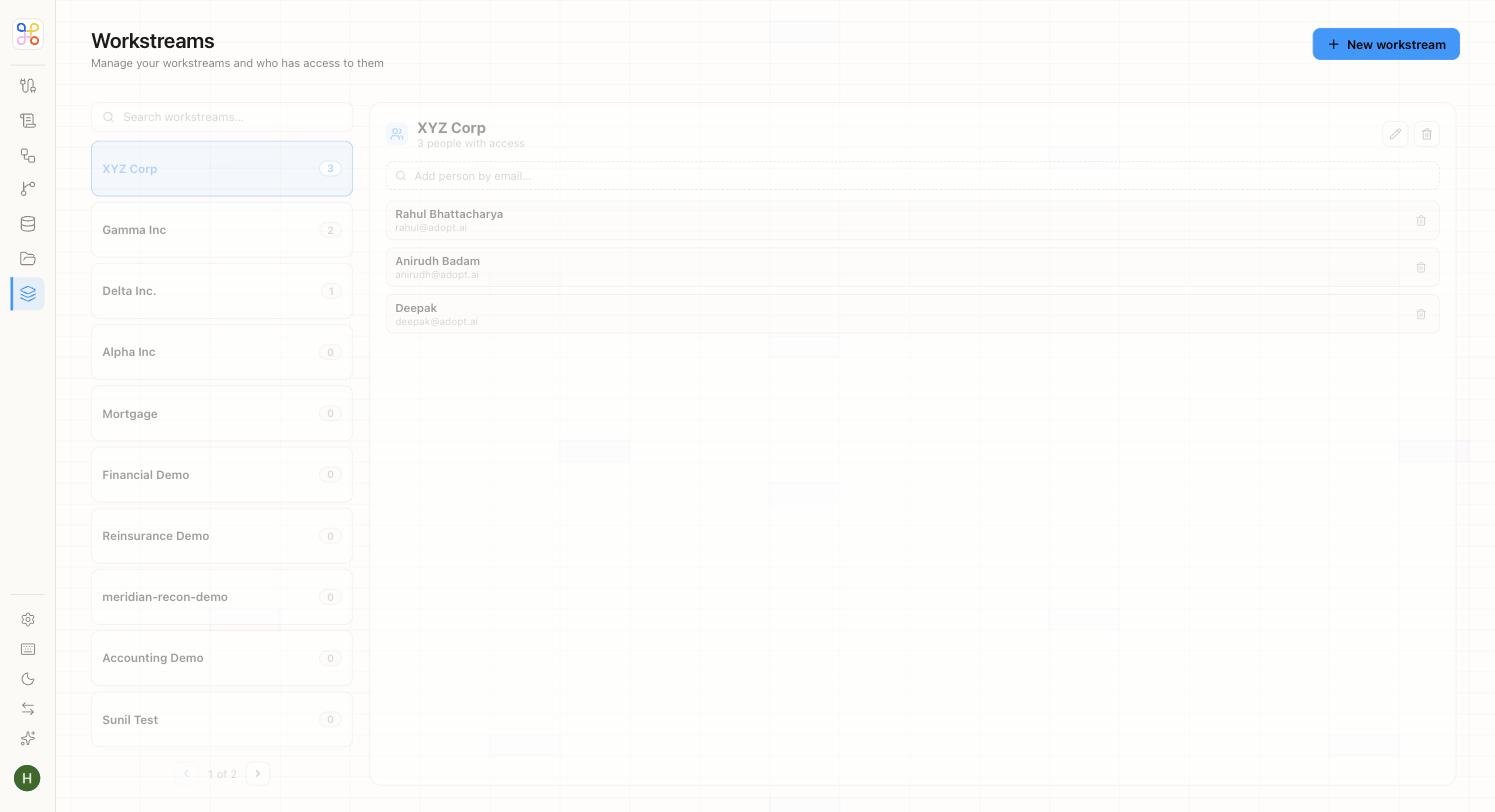
Access in Adopt is granted per client, not globally — which is exactly what keeps one client’s work invisible to everyone who shouldn’t see it.
Acct Workstreams

Access is per client (workstream)

Members are granted access per workstream. There’s no global “see everything” for regular users — someone with access to Client A cannot see Client B unless separately granted. This is the mechanism behind client confidentiality.

Invite someone to a client

  1. Open the client (workstream).
  2. Go to its members / access area.
  3. Invite the person by email and set their role (see Roles and permissions).
They’ll now see that client — and only that client — when they log in.

Reviewers

Reviewers for the human-in-the-loop gate are assigned at the engagement (process) level, so the person who reviews R&D work for a client can differ from who reviews their transfer-pricing work. Set reviewers when configuring the engagement.

Removing access

Remove a member from a workstream to revoke their access to that client. For someone leaving the organization entirely, an admin should handle full deprovisioning — see Managing members.

Next steps

  1. Roles and permissions
  2. Access scoping
  3. Setting Doc Store access