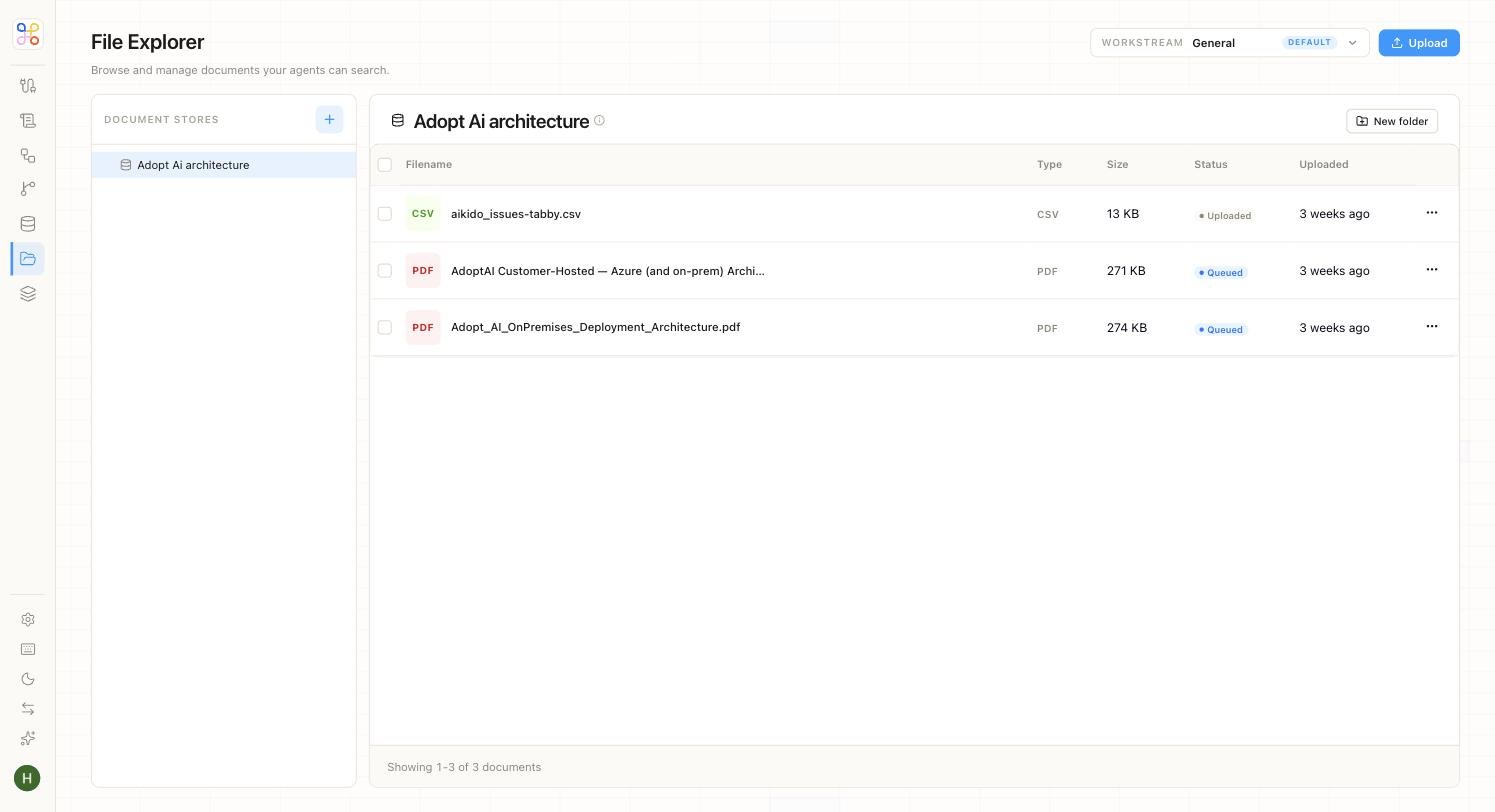
Connecting files and creating an agent are separate from granting the agent permission to read those files. This step ties them together.
The two axes
Doc Store access is granted along the same two axes as everything else:
- Which workstreams can reach this Doc Store (usually just the client it belongs to).
- Which agents can read it (the agent that needs it, not every agent).
Grant access
- Open the Doc Store’s access settings (the “Set Doc Store access” step in Advanced setup).
- Confirm the workstream — normally the client that owns the files.
- Grant the agent(s) that should read it (e.g. the R&D agent gets read access; unrelated agents don’t).
- Save.
Least access. Grant the narrowest access that lets the work happen — an agent should read only the Doc Stores it actually needs. This keeps the isolation guarantee meaningful and limits what any single agent can touch.
Quick vs Advanced
On the Quick path this is handled for you — the template’s agent gets read access to the client’s files, nothing more. On Advanced, you set the matrix explicitly, which is what you want when a client has several agents that should see different things.
Next steps
- Doc Stores and Data Stores
- Access scoping
- Inviting members and setting access